My StoryBook app iconMy StoryBook

Write it. Read it.
Hear it.

Write your book, design the full jacket, then read it like a real book or listen to it read aloud.

Version 1.0.0 — Live on Google Play and the App Store

Why My StoryBook

One place to write the book, picture it, and hear it.

Notes apps have no formatting and no images. Word processors were not built around an illustrated book. My StoryBook keeps your premise, characters, notes, chapters and images together, and it never writes your prose for you.

✍️

A real chapter editor

Rich text with bold, italic and headings, a Story tab for your premise and characters, and a Brainstorm tab for notes.

🎨

Illustrate your way

Generate a sketch or full drawing, make a cover, or use your own photos. Described characters help keep illustrations consistent.

🎧

Read it. Hear it.

A page-turn reader that fits your screen, with free on-device read-aloud or natural-voice narration.

Take the tour

From first idea to finished book.

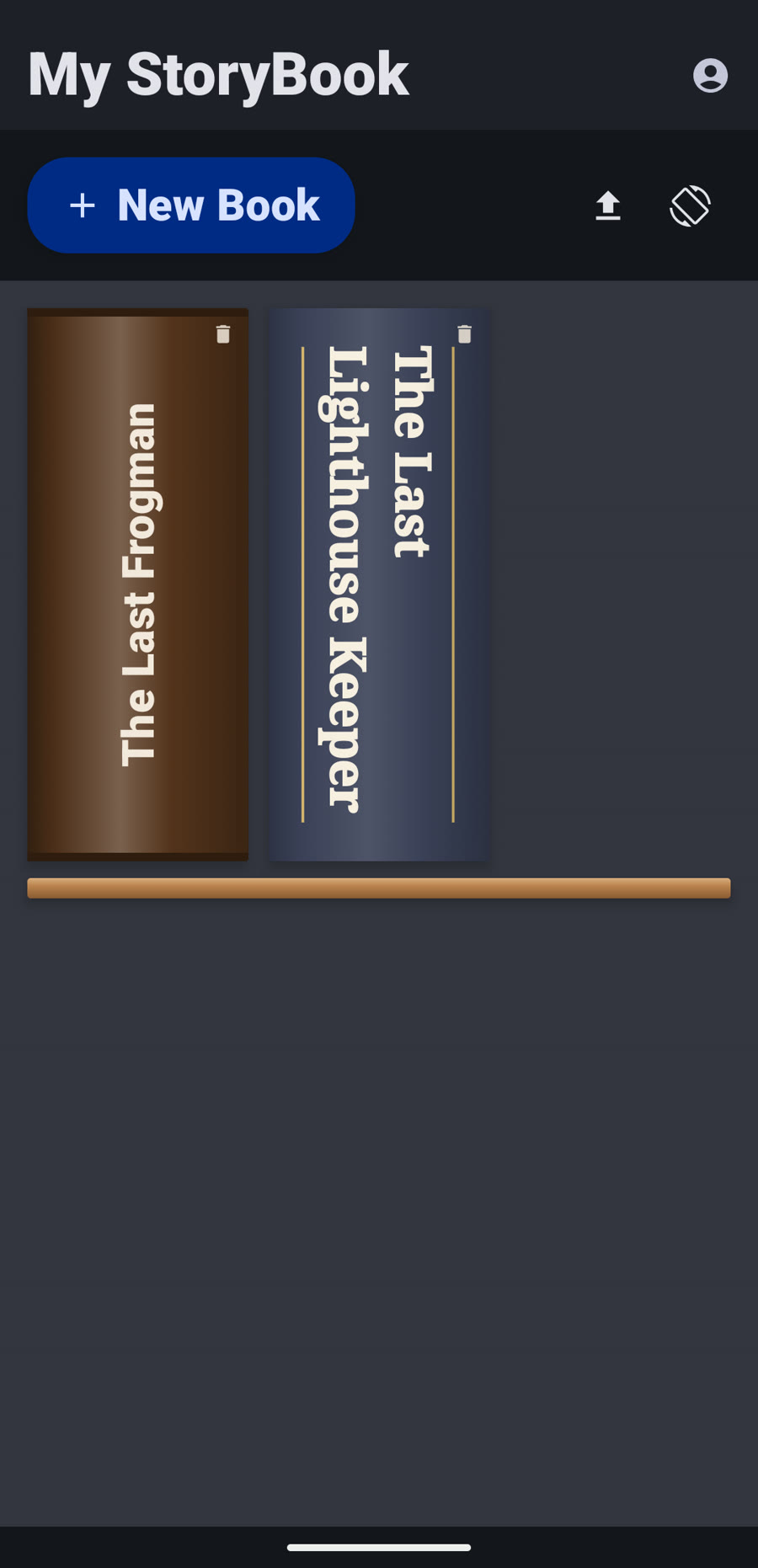
Bookshelf

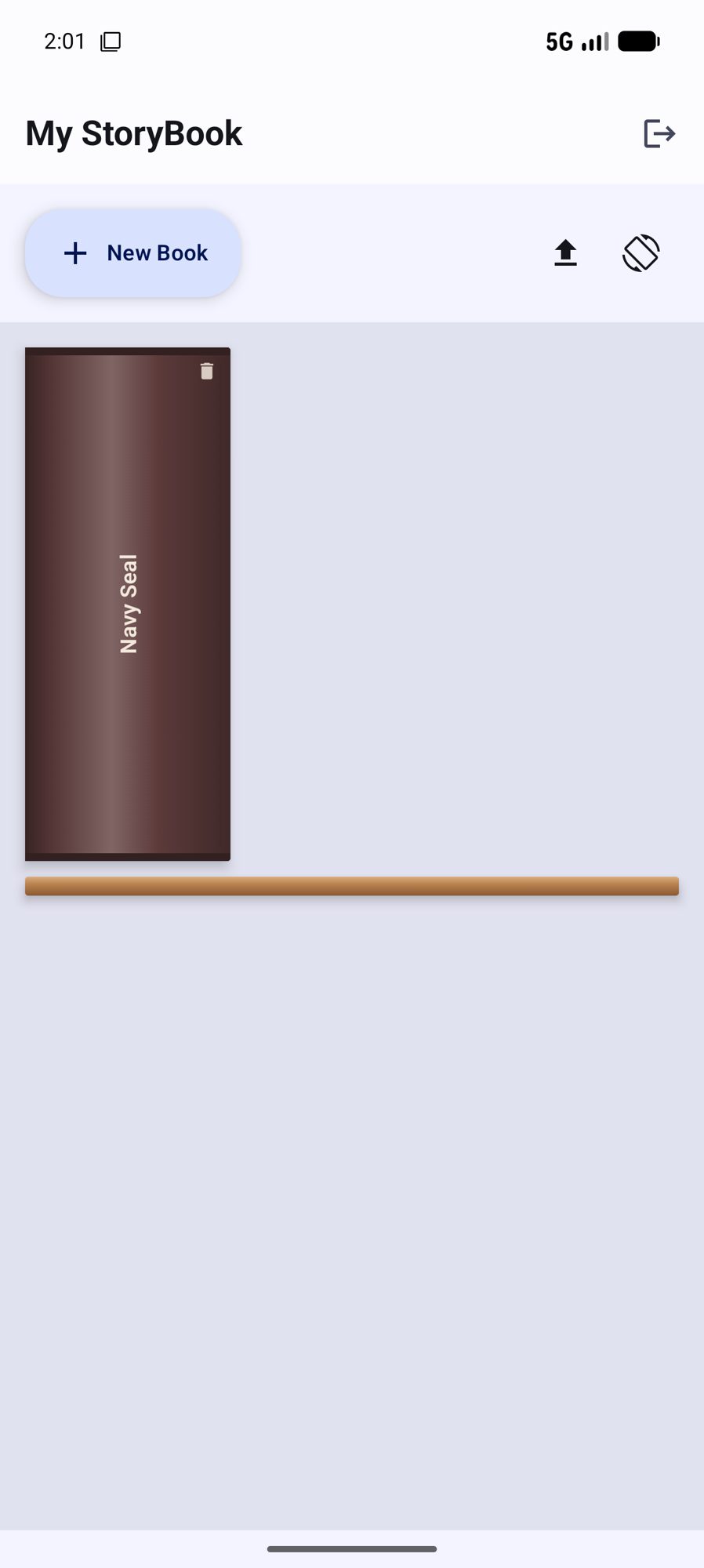
Your books on a real shelf.

Every book lives on a hardcover shelf with its own cover and spine, with a sample book included to explore.
  • Import a PDF or EPUB
  • Resume right where you left off
  • Foldable-aware layouts
Your books on a real shelf.
Story

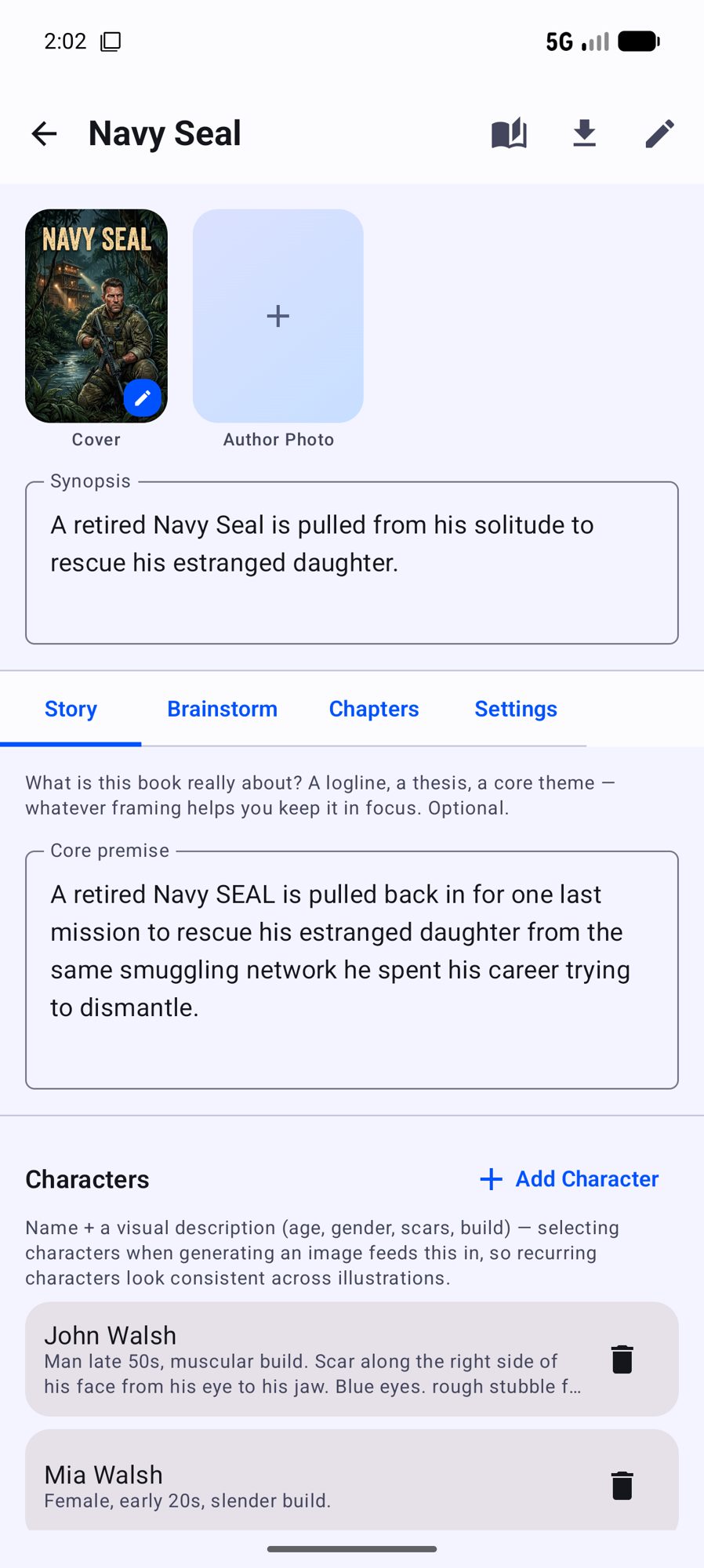
Keep the whole story in one place.

Premise, characters and notes sit beside your chapters, so the details are never far away.
  • Characters feed illustration prompts
  • Writer's-block unblocker suggests directions only
  • Research assistant for what you have not lived
Keep the whole story in one place.
Write

Type it, or just say it.

A rich-text editor with dictation, chapter checks for spelling, grammar and layout, and a whole-book editorial review when you are nearly done.
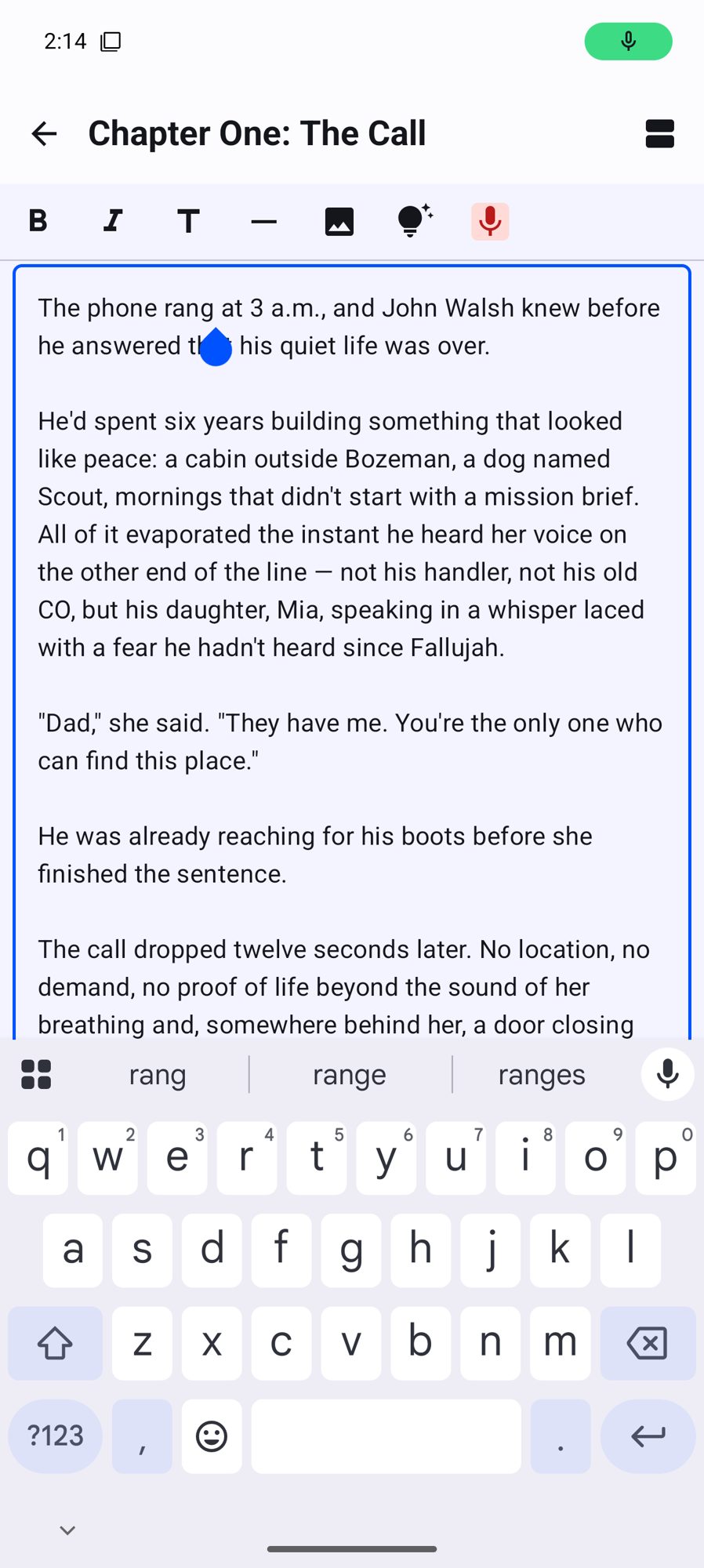
  • Suggestions only fix layout, never your words
  • Split and organize chapters
  • Undo anything
Type it, or just say it.
Jacket

Design the whole jacket.

Make a cover and a back cover with a tagline, blurb and author box, and see how your book will look on the shelf.
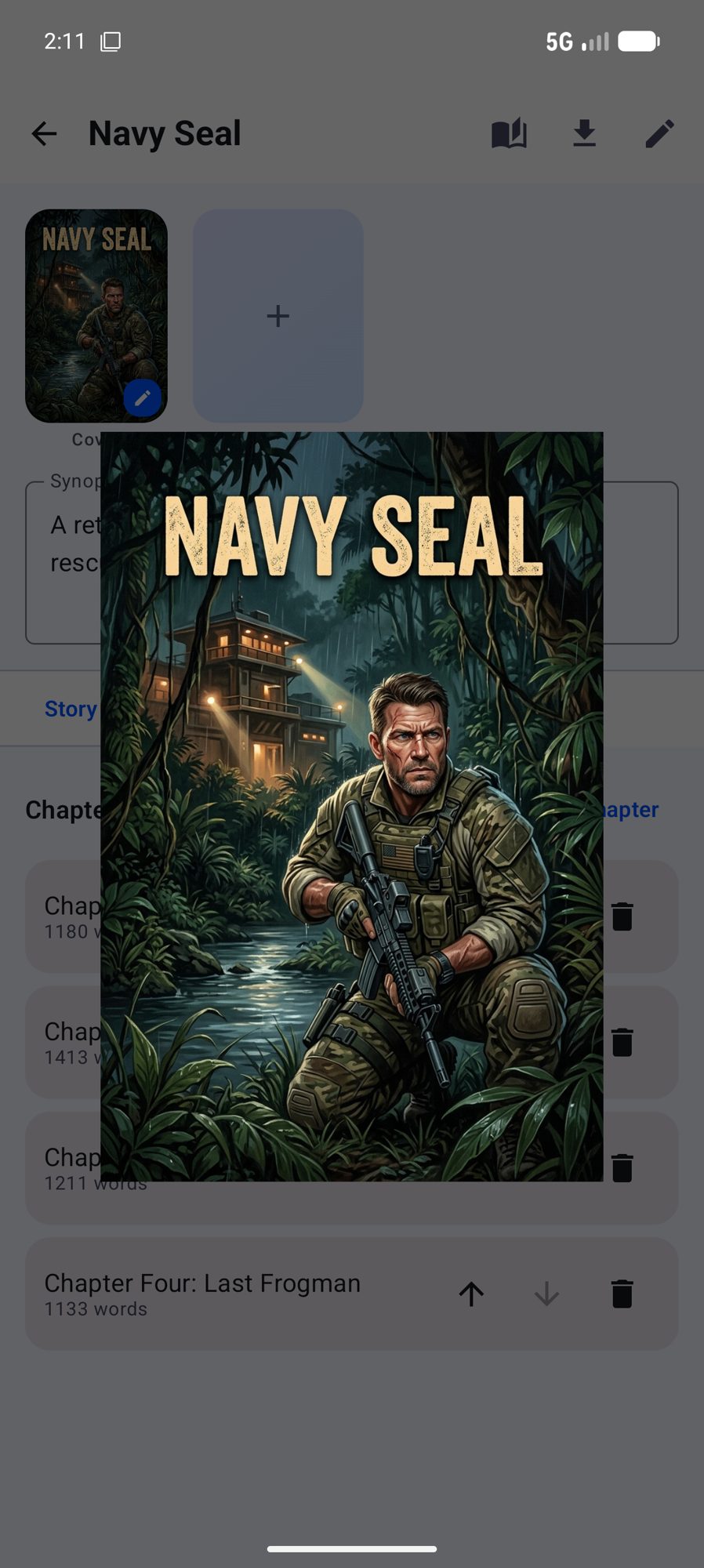
  • Typeset like a printed book
  • Matching bookshelf spine
  • Export the full jacket for a printer
Design the whole jacket.
Reader

Read it like a real book.

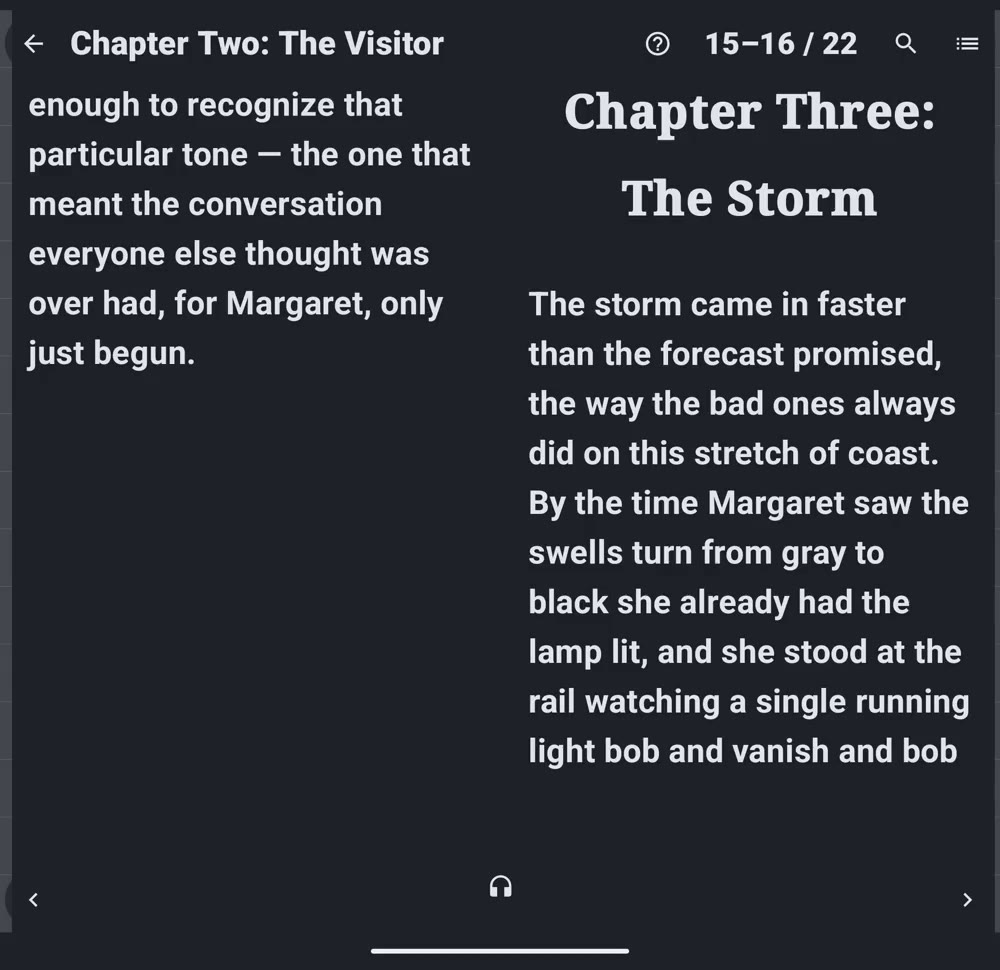
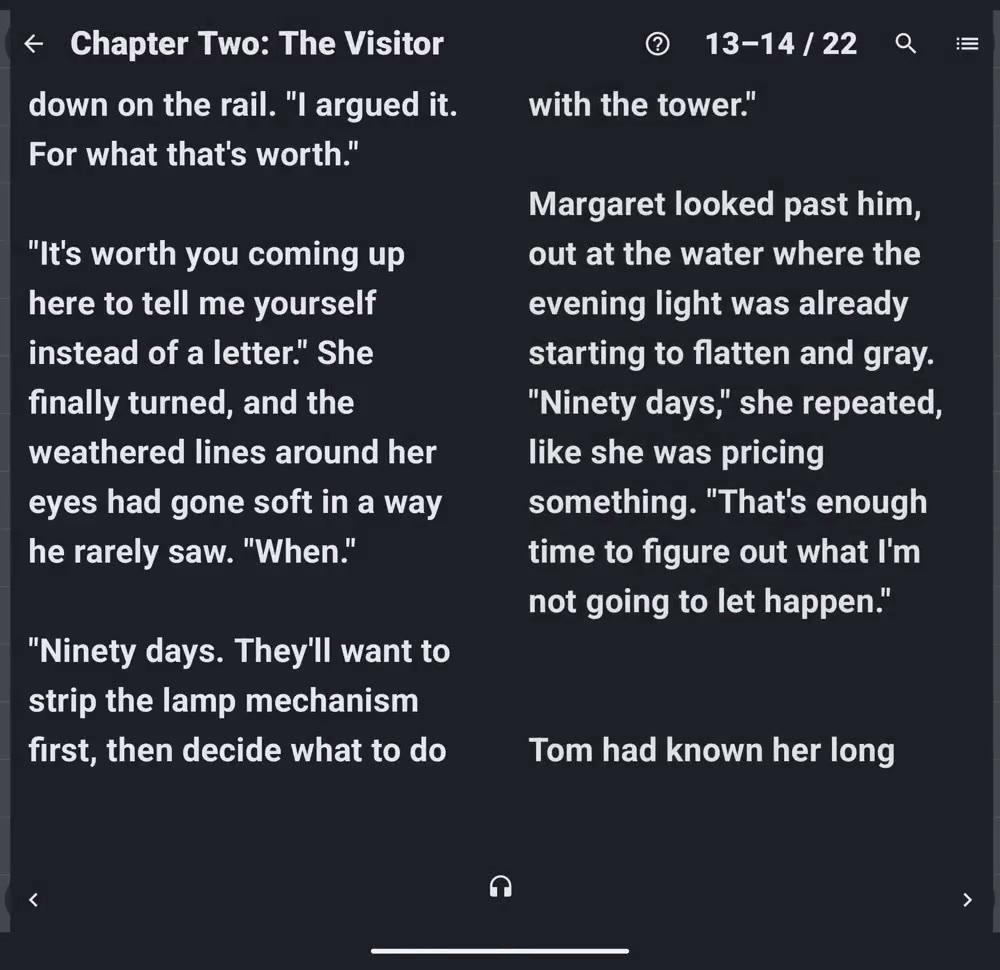
A page-turn reader with a contents list and chapter title bar, and a two-page spread on foldables and tablets.
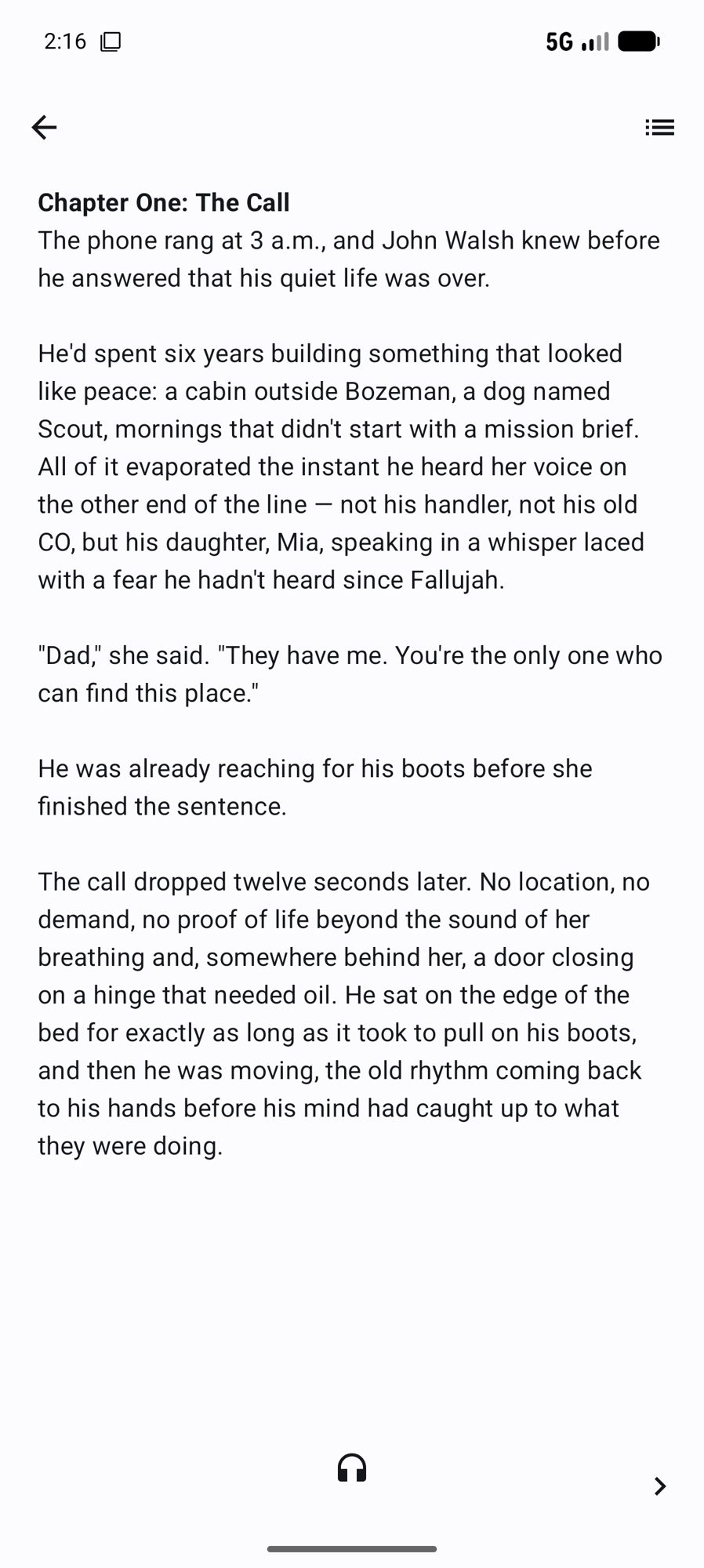
  • Free on-device read-aloud
  • Natural-voice narration, cached per chapter
  • Export to PDF with cover and contents
Read it like a real book.
Built for foldables

Fold it. Unfold it. Keep writing.

One pane when it's closed. A shelf with your book beside it, and a real two-page spread, when it's open.
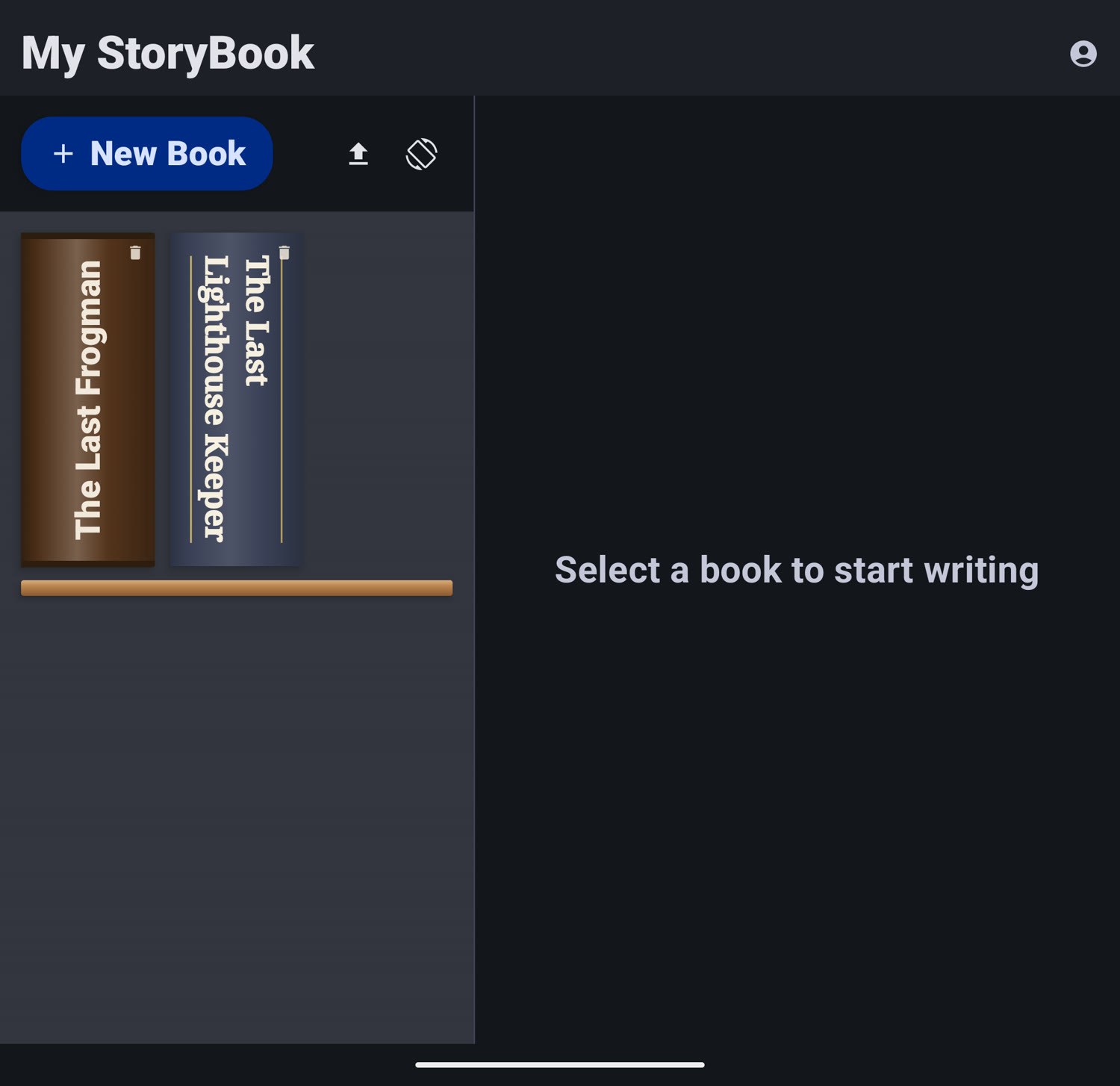
Folded: your shelf, on the cover screen
Pick up a book and read or write one-handed, without unfolding.
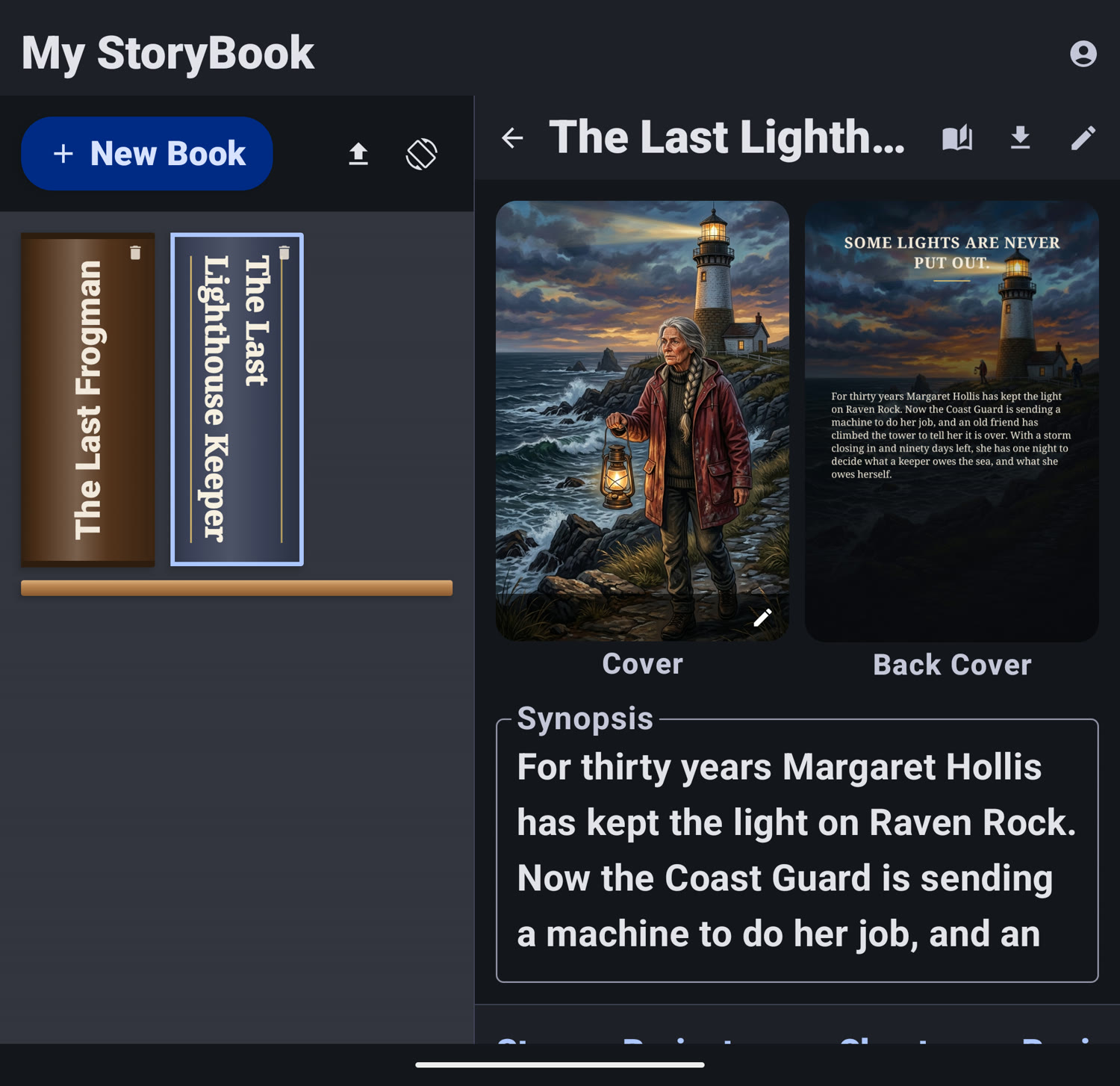
Unfold: a full workspace, no scrolling around
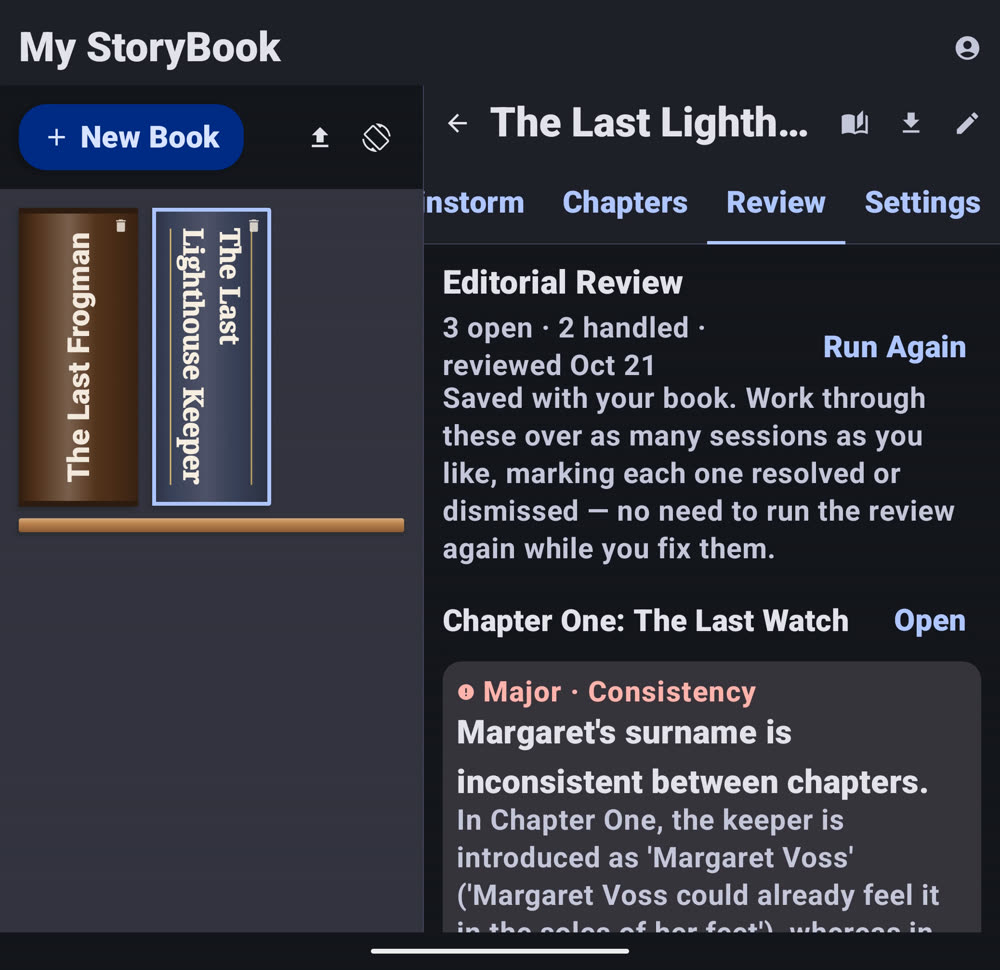
Your shelf on the left, the book's cover, back cover and synopsis on the right.
Fold it back and keep going
Your place is right there on the cover screen.
Read along, then turn the page
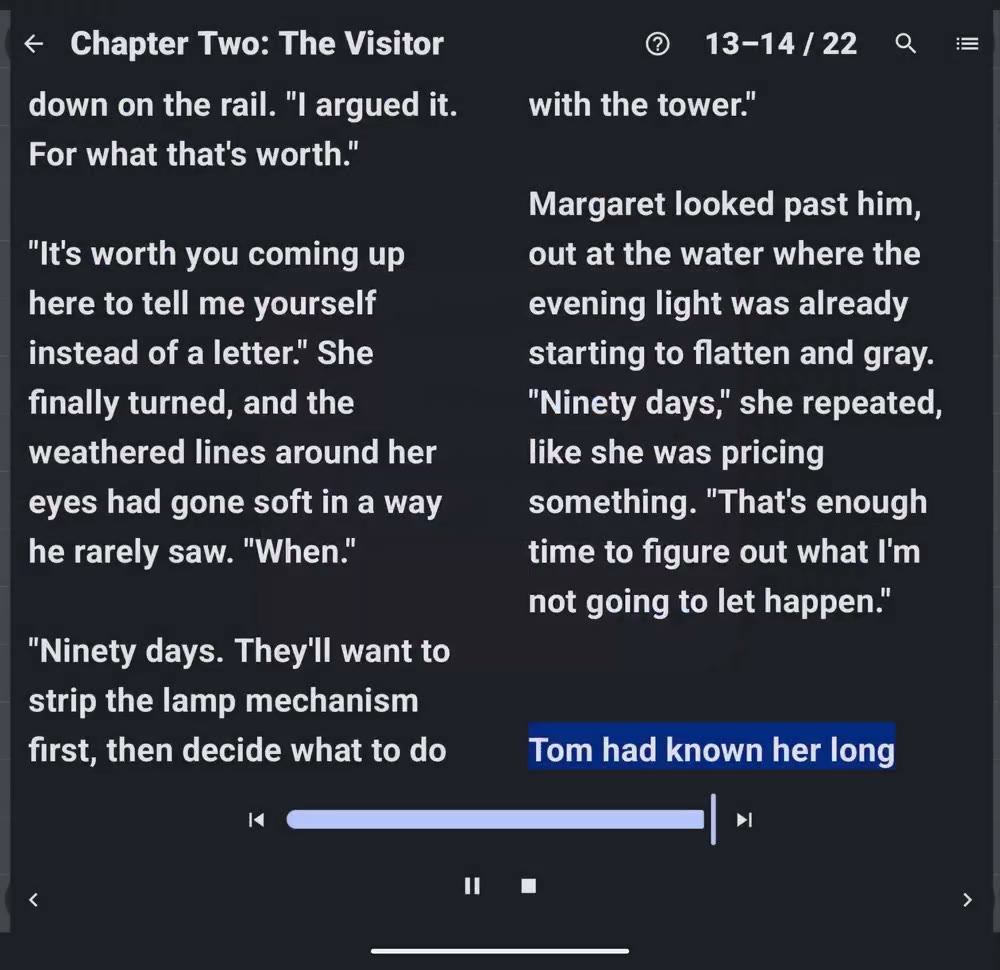
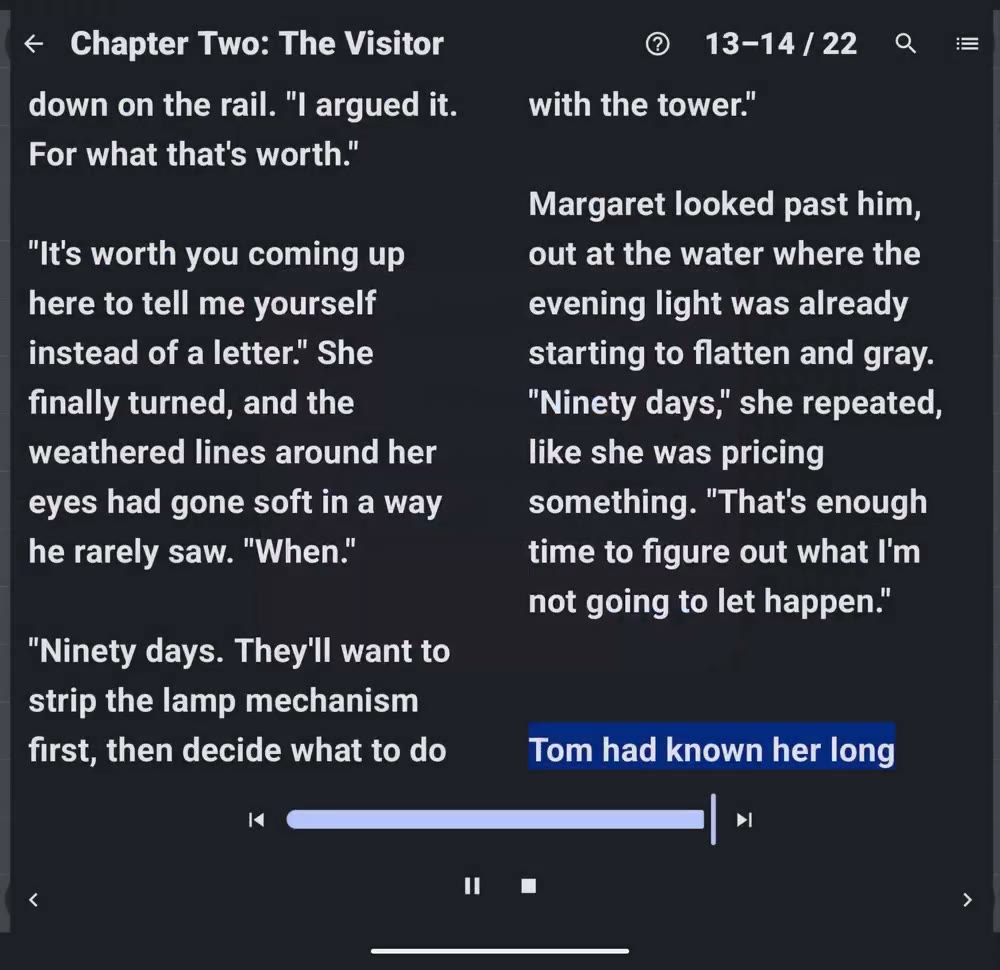
Each sentence lights up as it is read, and the page turns on its own.
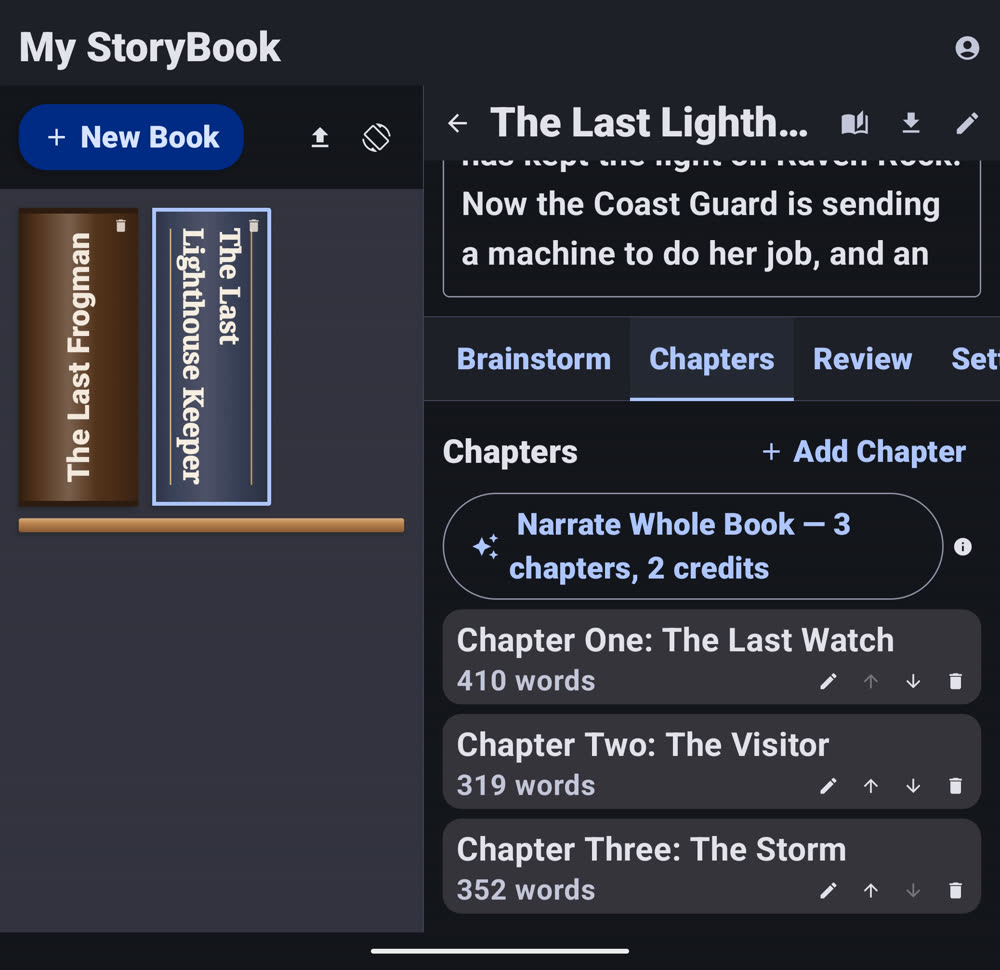
My StoryBook unfolded: bookshelf on the left, the selected book's cover and synopsis on the right
My StoryBook bookshelf on the Pixel Fold cover screen
From first line to finished book

Write it. Check it. Read it back.

Chapters, pictures, a whole-book review and a page-turn reader, all in one app.
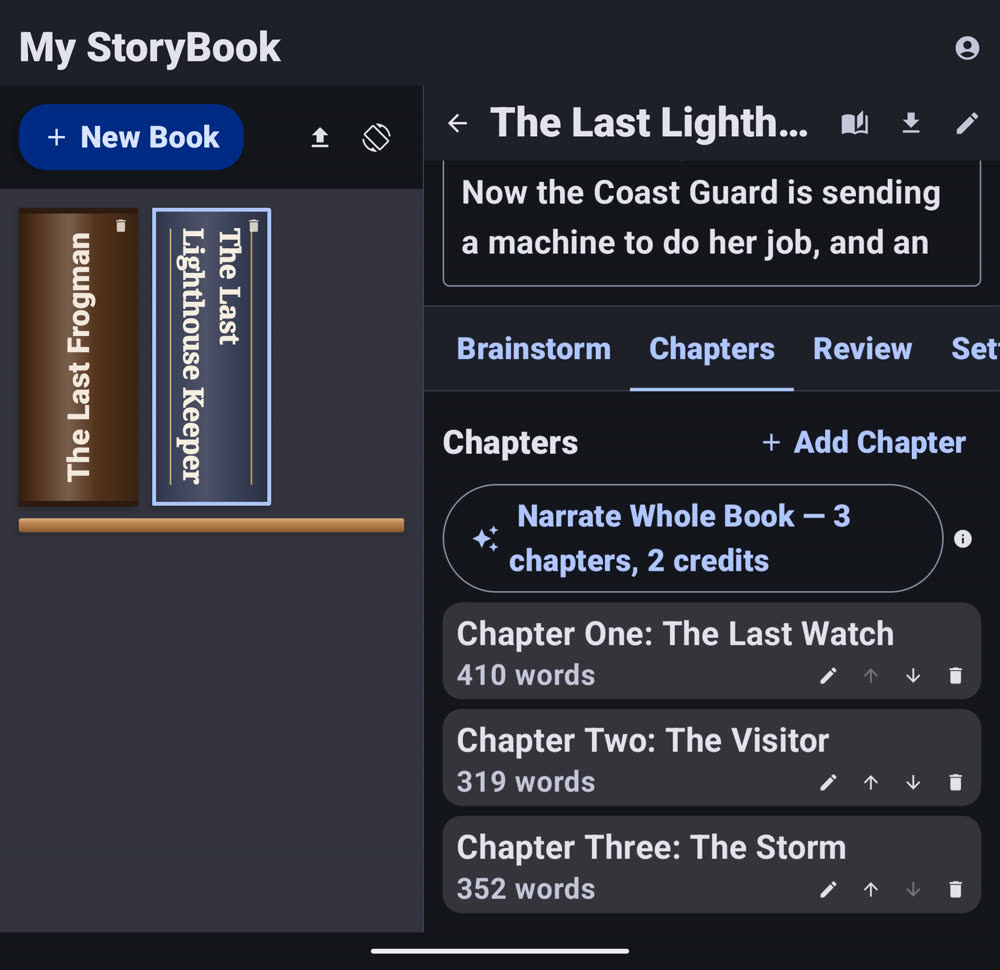
Write chapter by chapter
A rich-text editor and a chapters list, with a word count for each one.
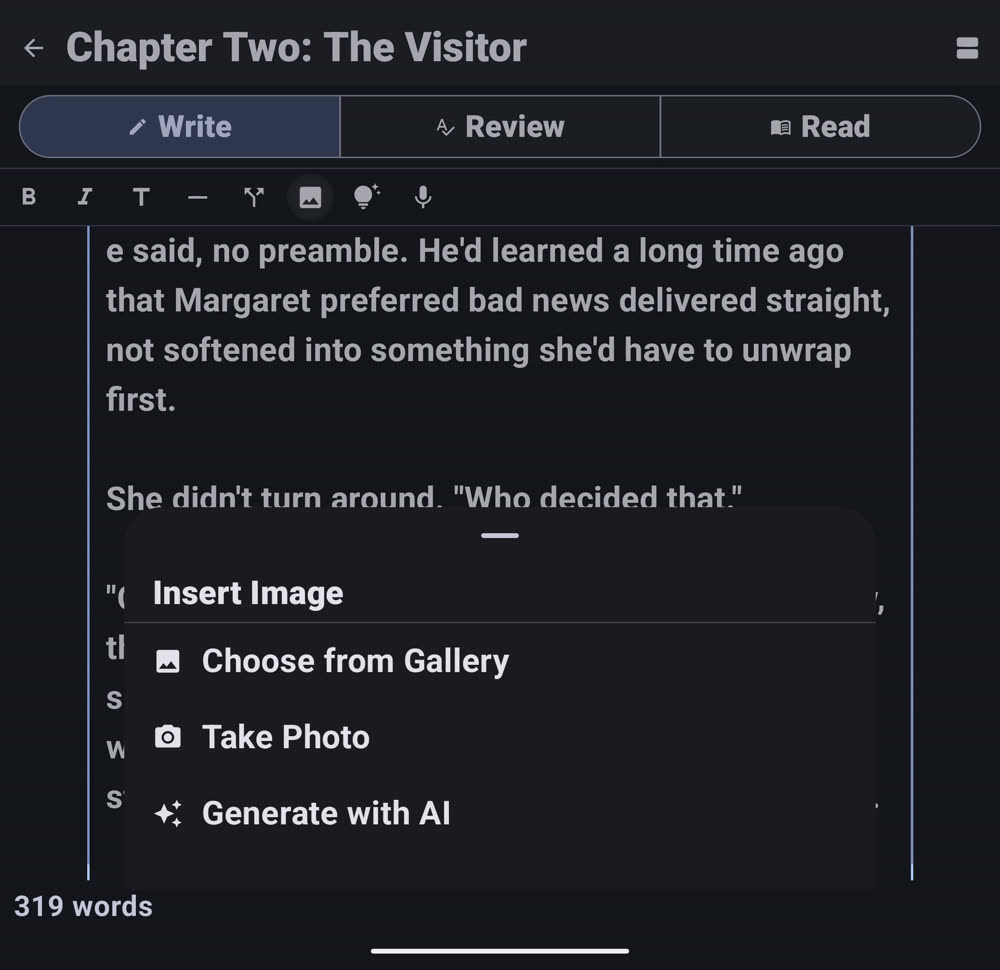
Add a picture anywhere
Choose one from your gallery, take a photo, or describe the scene and get a sketch.
Check the whole book
Editorial Review flags what doesn't line up between chapters. You accept or dismiss each one.
Read it back, sentence by sentence
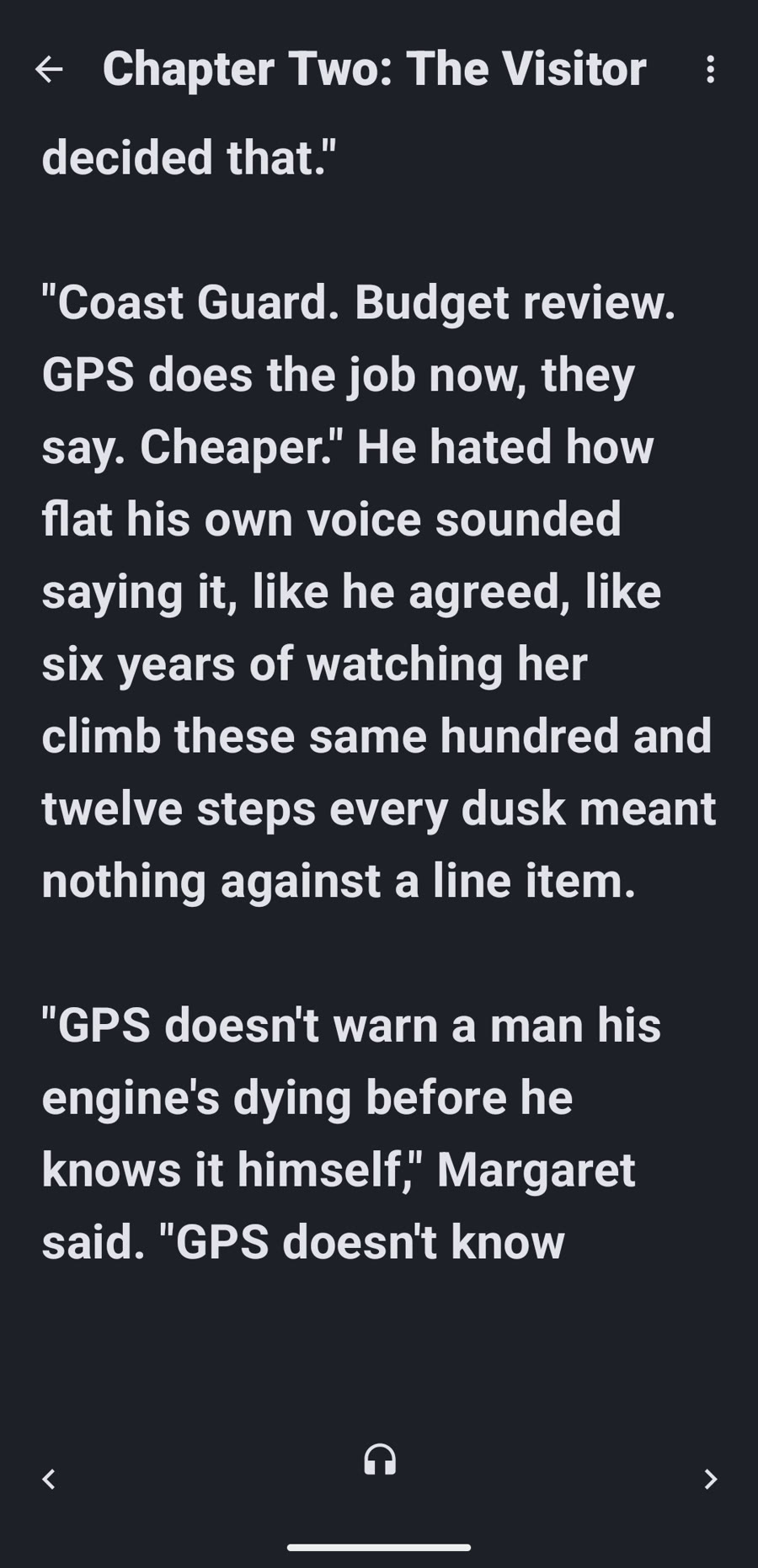
Each sentence lights up as it is read aloud, with a natural voice or the free on-device one.
My StoryBook chapters list beside the shelf, with a word count for each chapter The Insert Image menu: Choose from Gallery, Take Photo, Generate with AI Editorial Review summary A review flag: the keeper's surname is inconsistent between chapters The two-page reader with the sentence being read aloud highlighted
See it work

See My StoryBook in action

Everything included

Everything for the book.

Rich-text chapter editorBold, italic and headings with a simple chapters list.
DictationTap the mic and talk. Words appear at the cursor.
Writer's-block unblockerA few directions to consider. It never writes prose.
Research assistantKeep answers with your notes, flagged as unverified.
Chapter checksSpelling, grammar and layout suggestions you accept or dismiss.
Editorial reviewConsistency, pacing and repetition across every chapter.
AI illustrations or your photosSketches, drawings and covers, or bring your own.
Back cover designerTagline, blurb and About the Author box.
Page-turn readerAdapts to phone, tablet, foldable, Chromebook and Mac.
Natural-voice narrationMale or female voice per book, cached per chapter.
Import PDF or EPUBEPUBs split by real chapter headings.
Export to PDFCover, premise, contents, chapters and back cover.
Your account, your controlBooks backed up to your account, deletable from inside the app.
How it compares

How My StoryBook compares

Most book-writing tools were built for a desktop. My StoryBook is built for the phone and tablet in your hands.

FeatureMy StoryBookReedsy StudioAtticusScrivenerVellum
Price$4.99 once + optional narration creditsFree core editor; paid add-ons$147 once$23.99 (iOS) · $59.99 (Mac or Windows)$199.99 or $249.99 once
Native iPhone, iPad & Android app✓Web-basedBrowser app onlyiOS only✕
Works on a phone or tablet✓In a browserIn a browseriOS only✕
Import an existing PDF or EPUB✓✕✕✓ Desktop✕
Export to PDF✓✓✓✓✓

Competitor prices are from their own app-store listings and websites, checked October 2026, and exclude tax. Plans and promotions change, so check each provider for current pricing. A ✕ means the feature isn't listed in that product's public feature descriptions.

Pricing

Pay once for the app, then only for what you generate.

A one-time purchase with 15 free credits to start. Credits cover AI images, narration and the full editorial review.

Most popular

My StoryBook

$4.99 once
One-time purchase on Google Play and the App Store.
  • Write, import, read and export
  • Free on-device read-aloud
  • Bring your own photos
  • 15 free credits to start

Credit pack

$7.99 / 20
Buy more only when you need them.
  • Quick sketch: 1 credit
  • Full drawing: 3 credits
  • Narration: about 1 credit per 5,000 characters

Bigger packs

$17.99 / 50
Or 120 credits for $39.99.
  • Best for illustrated books
  • Pick the pack that fits your book
  • Free tools never use credits

Prices are US prices on Google Play and the App Store and may vary by region. Free on-device read-aloud, chapter checks, the research assistant and the writer's-block unblocker cost no credits, subject to a daily fair-use limit. My StoryBook is for a single author; there is no collaboration or sharing.

Questions

Good to know

Does My StoryBook write my book?

No. It never writes your prose. The unblocker only suggests directions and checks only fix layout.

Is it on iPhone?

Yes. My StoryBook is on the App Store for iPhone and iPad, and on Google Play.

Do I need credits?

Only for AI images, natural-voice narration and the full editorial review. Writing, reading and on-device read-aloud are free.

Can I import a book?

Yes. Import a PDF or EPUB. Imported books that are not yours are read-and-listen-only reference copies.

Can I delete my data?

Yes. You can delete your account and everything in it from inside the app.

What devices does it support?

iPhone, iPad, Android phones, tablets, foldables and Chromebooks.

Start your book today.

Free credits included. One-time purchase.