My StoryBook app icon In Development

My StoryBook

A word processor built for writing a book, not a document. Real bold, italic, and headings as you type — no visible markdown. Illustrate chapters by hand or with AI. See your page breaks before you print.

Version 1.0.0 — In Development
✍️ True Rich Text, Not Markdown 🎨 Manual + AI Illustrations 📖 Real Page-Turn Reader, Read Aloud 🎤 Dictate Chapters by Voice 💡 Writer's Block Unblocker & Research Assistant 📄 Page-Break Preview 📱 Optimized for Every Screen, Including Foldables
Why My StoryBook

Everything else makes you choose: simple, or a word processor.

Plain notes apps have no formatting and no way to place an image. Full word processors like Scrivener or Google Docs weren't built for a book with illustrations, and the learning curve shows it. My StoryBook sits in between — type bold and see bold, drop an image exactly where your cursor is, and watch the page breaks fall in real time as you write toward your actual trim size.

In the App Today

Built and working, not a concept.

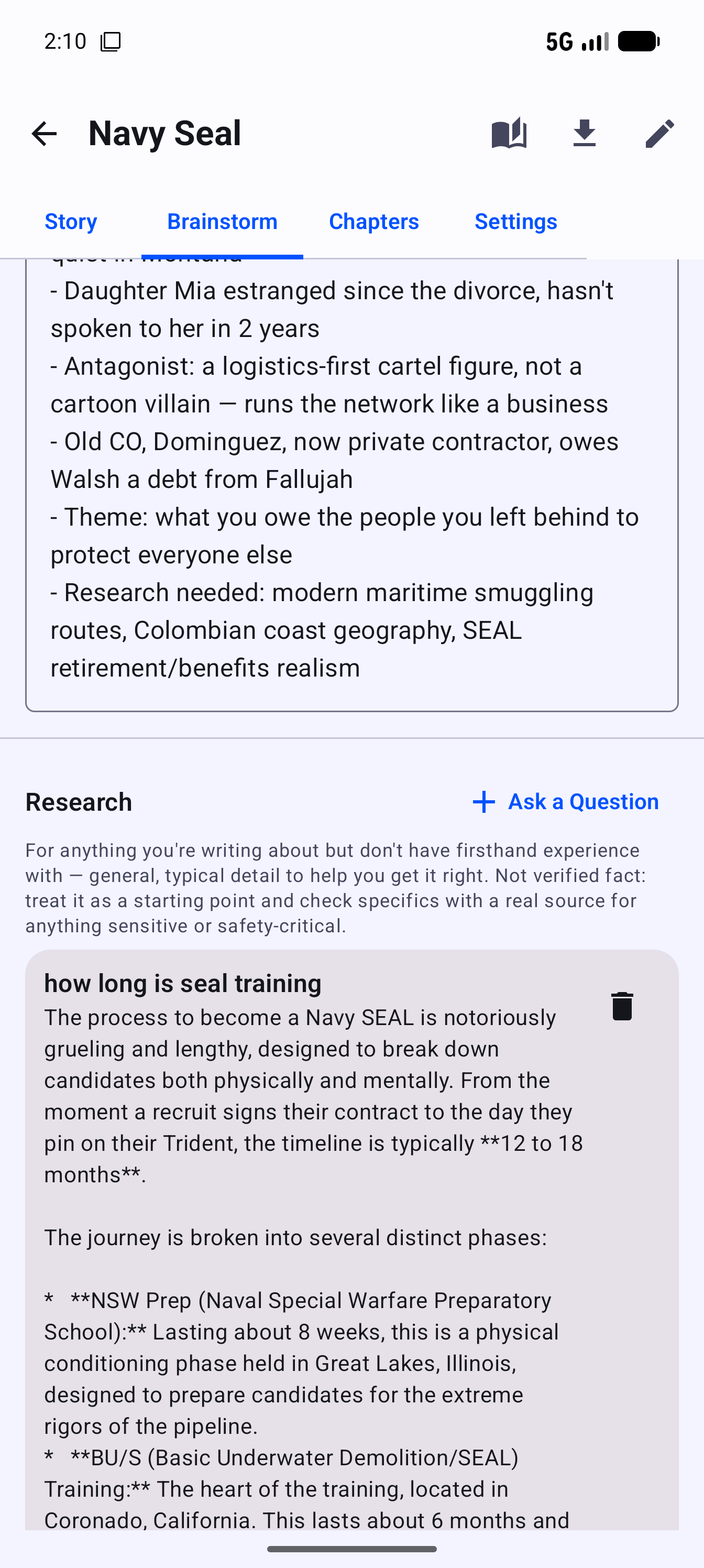
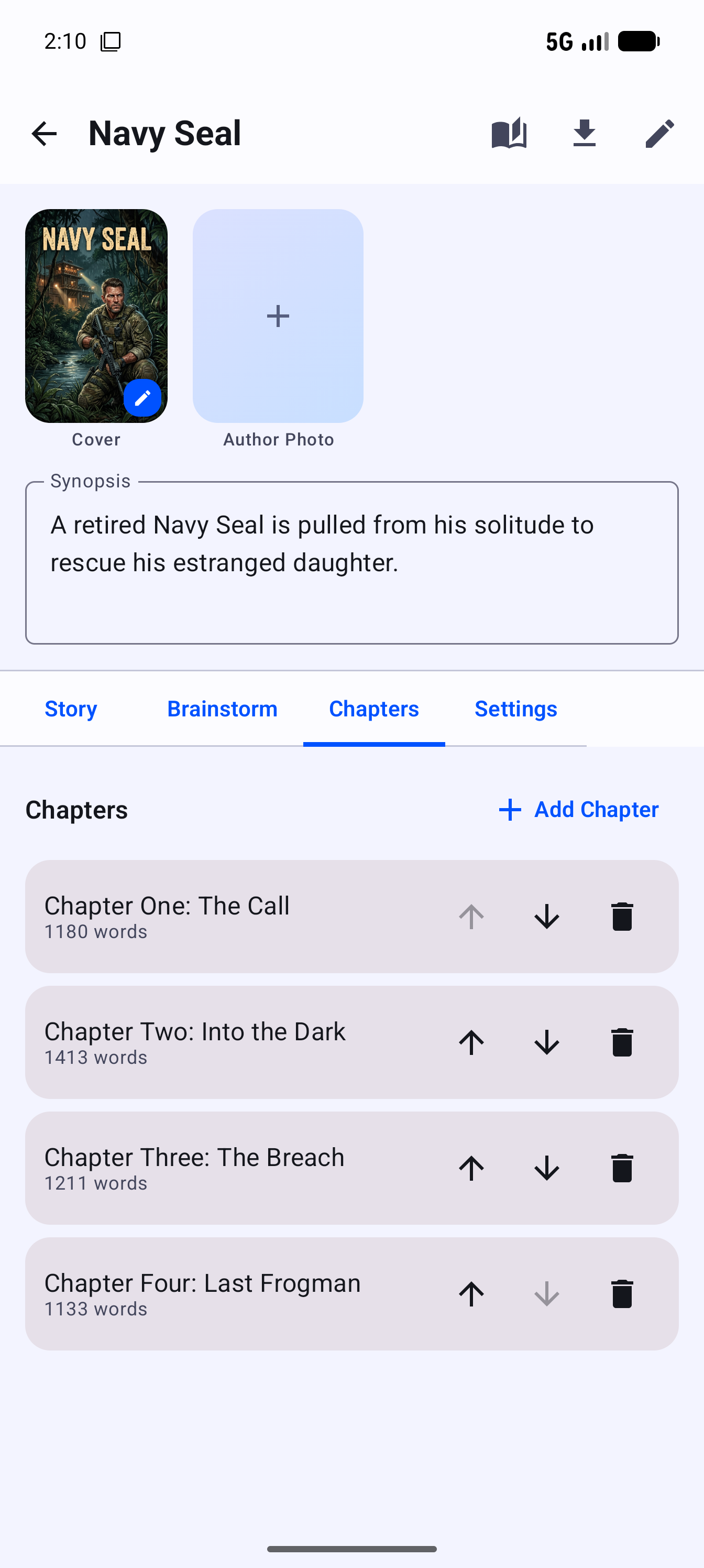
My StoryBook isn't released yet, but everything below is real, running on a live device.

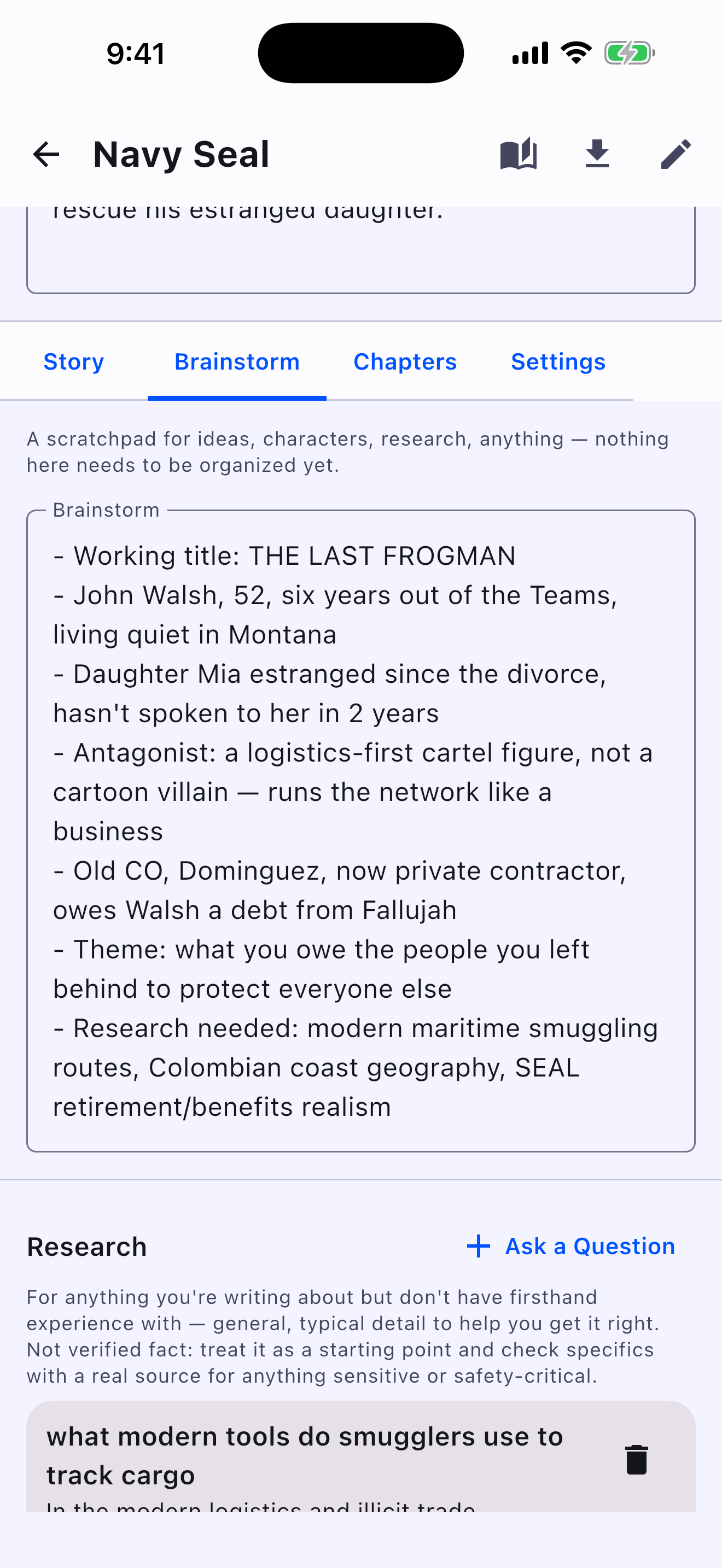
✍️

True Rich Text

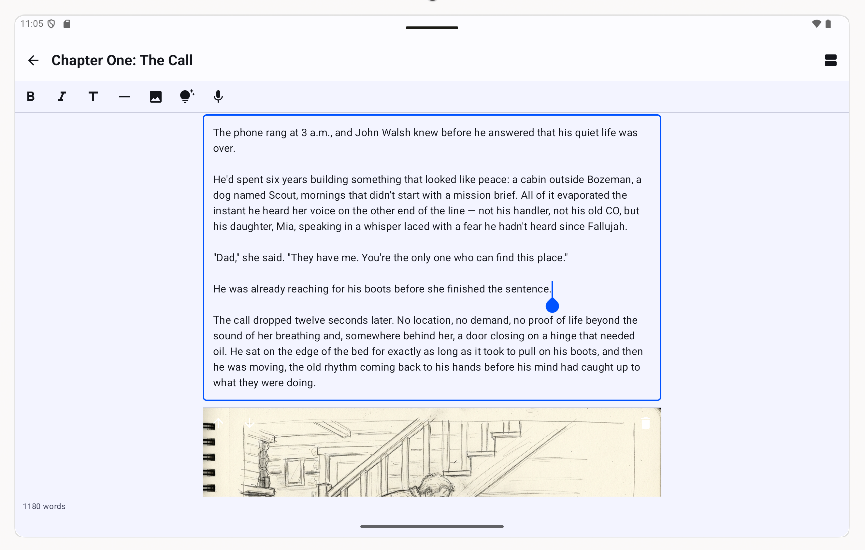
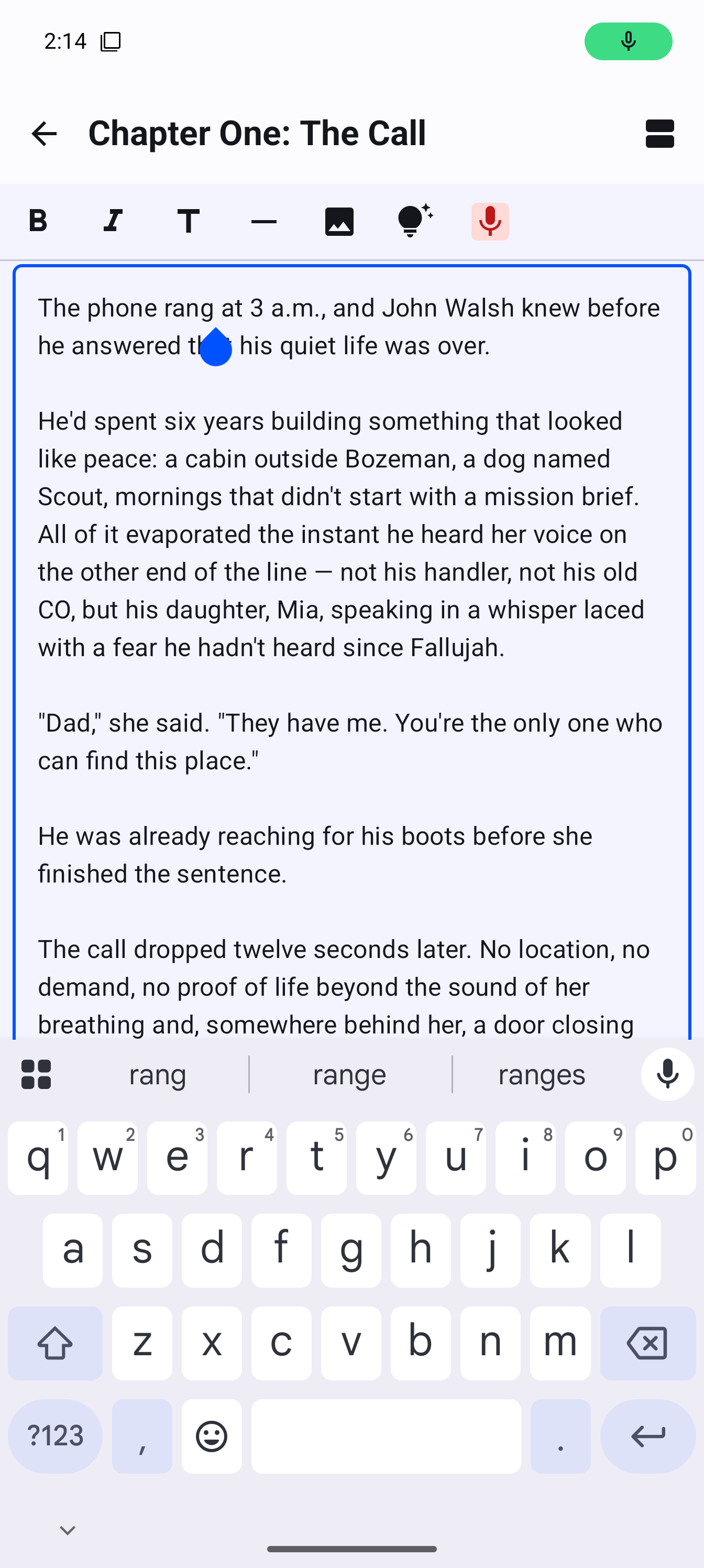
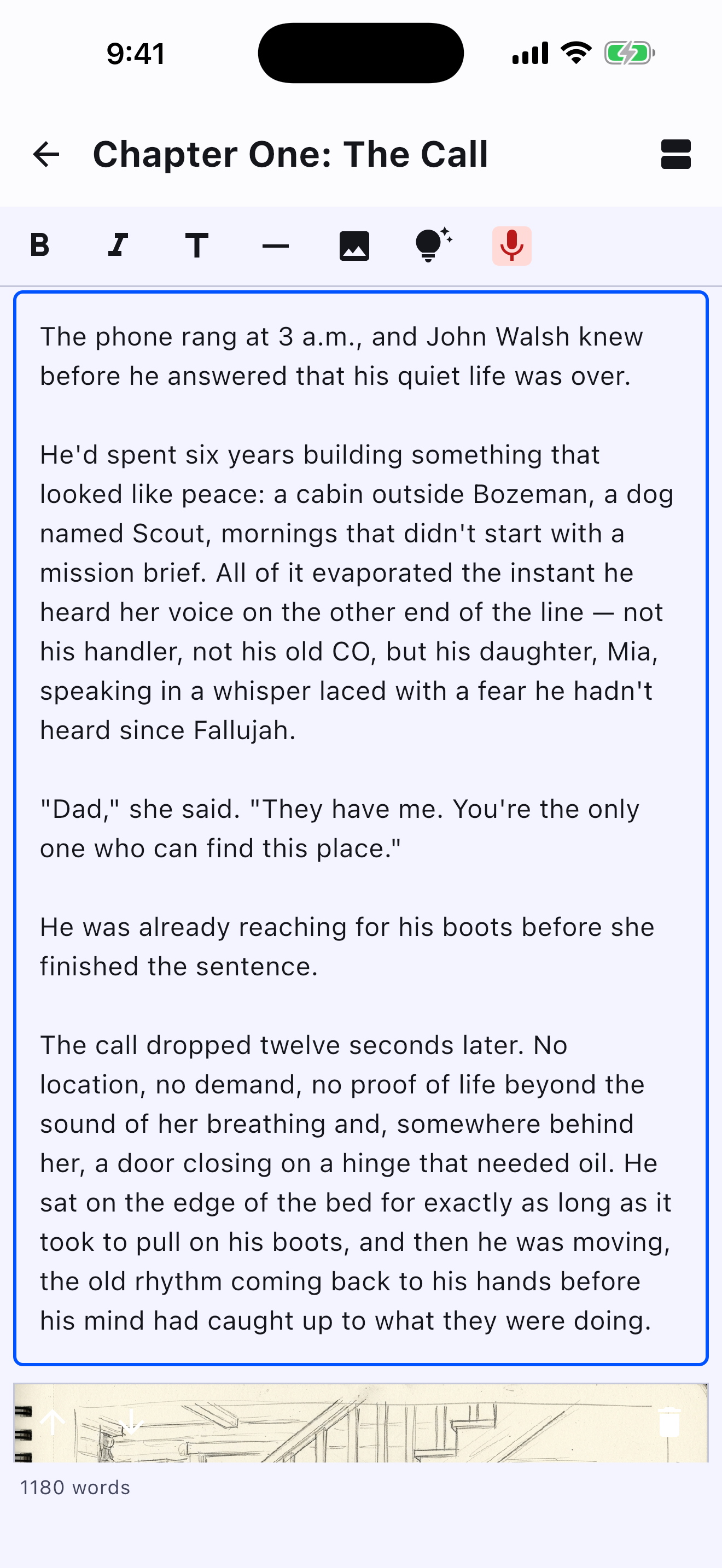
Bold, italic, and headings render as you type — no **asterisks** or # characters ever visible on the page. Select text and style it the way a real word processor works, because under the hood it's the same rich-text engine as one.

🎨

AI-Illustrated Chapters

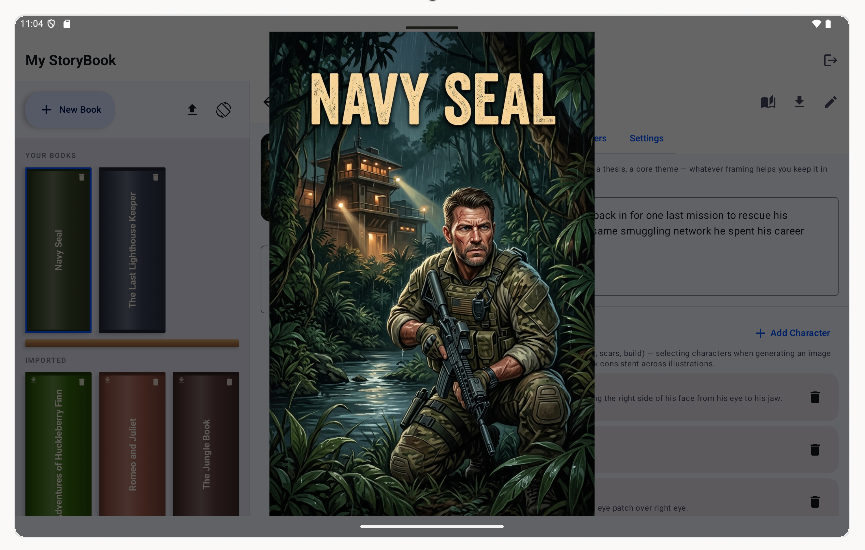
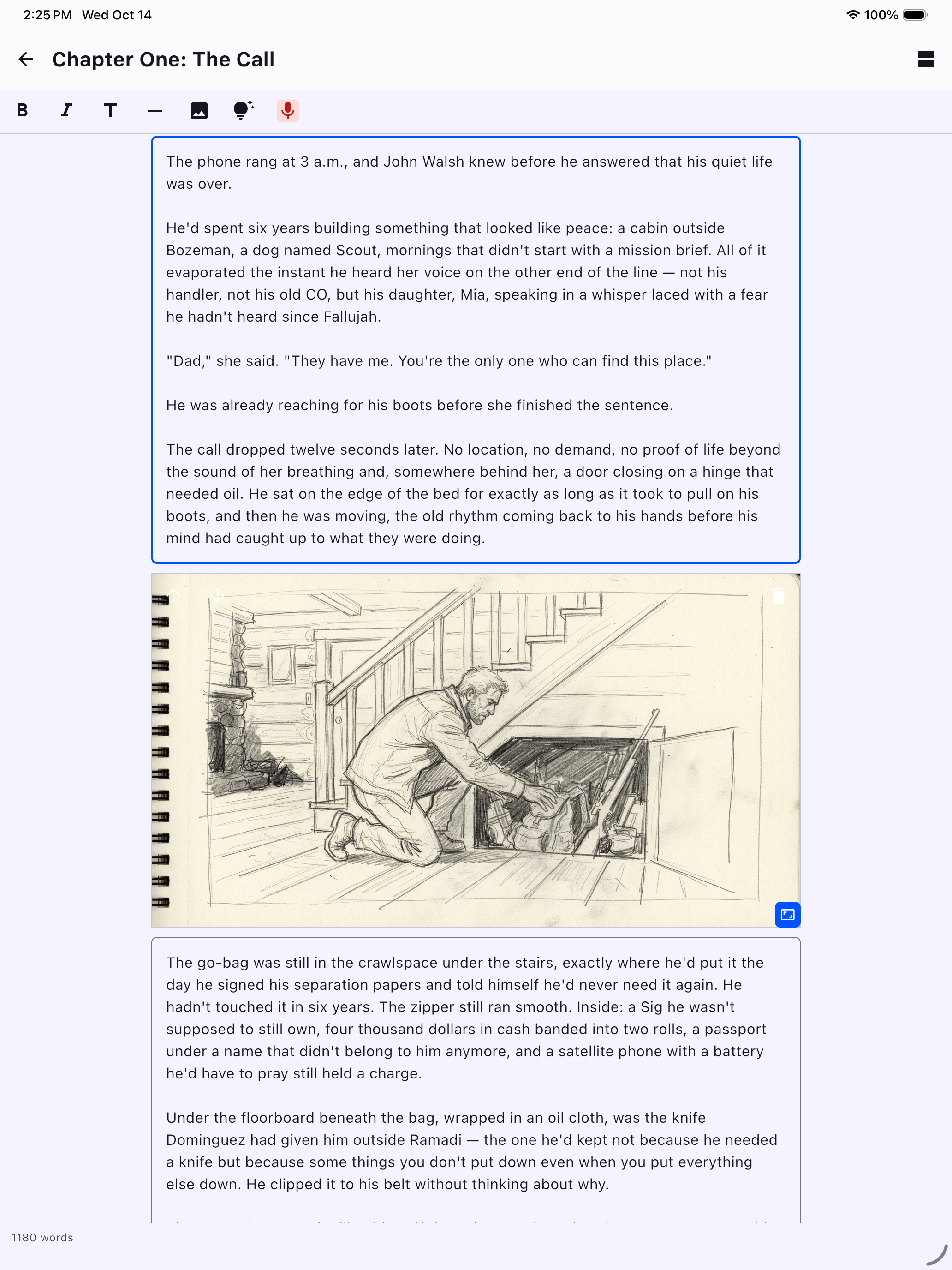
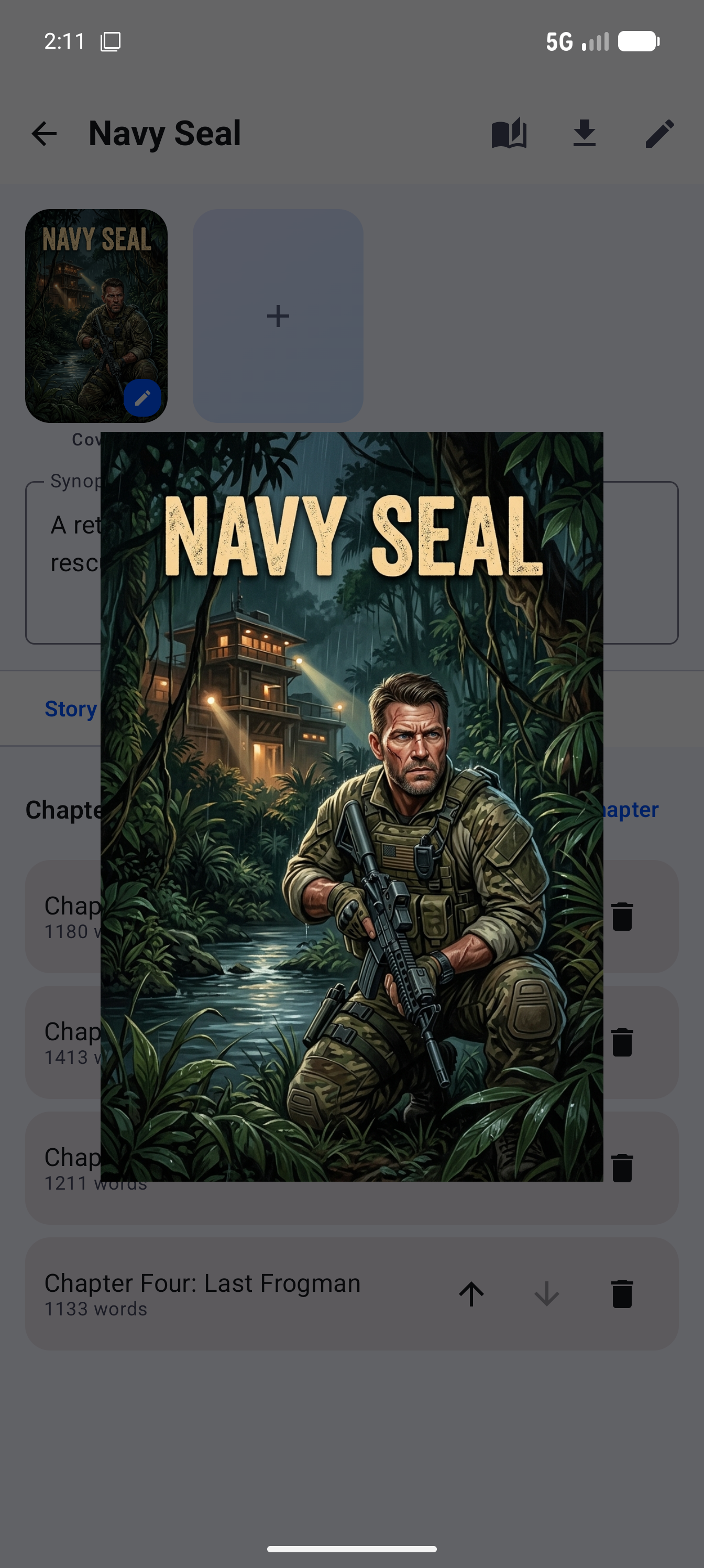
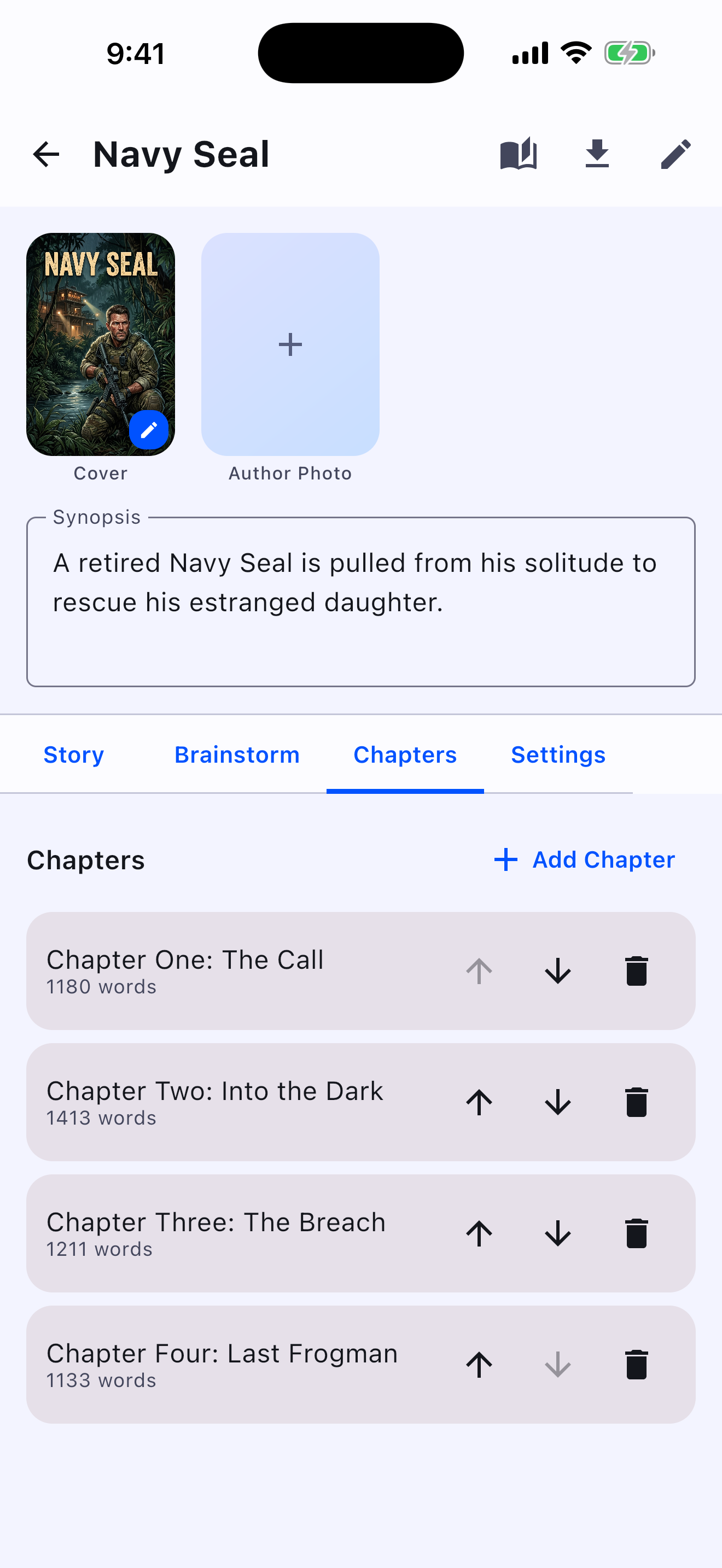
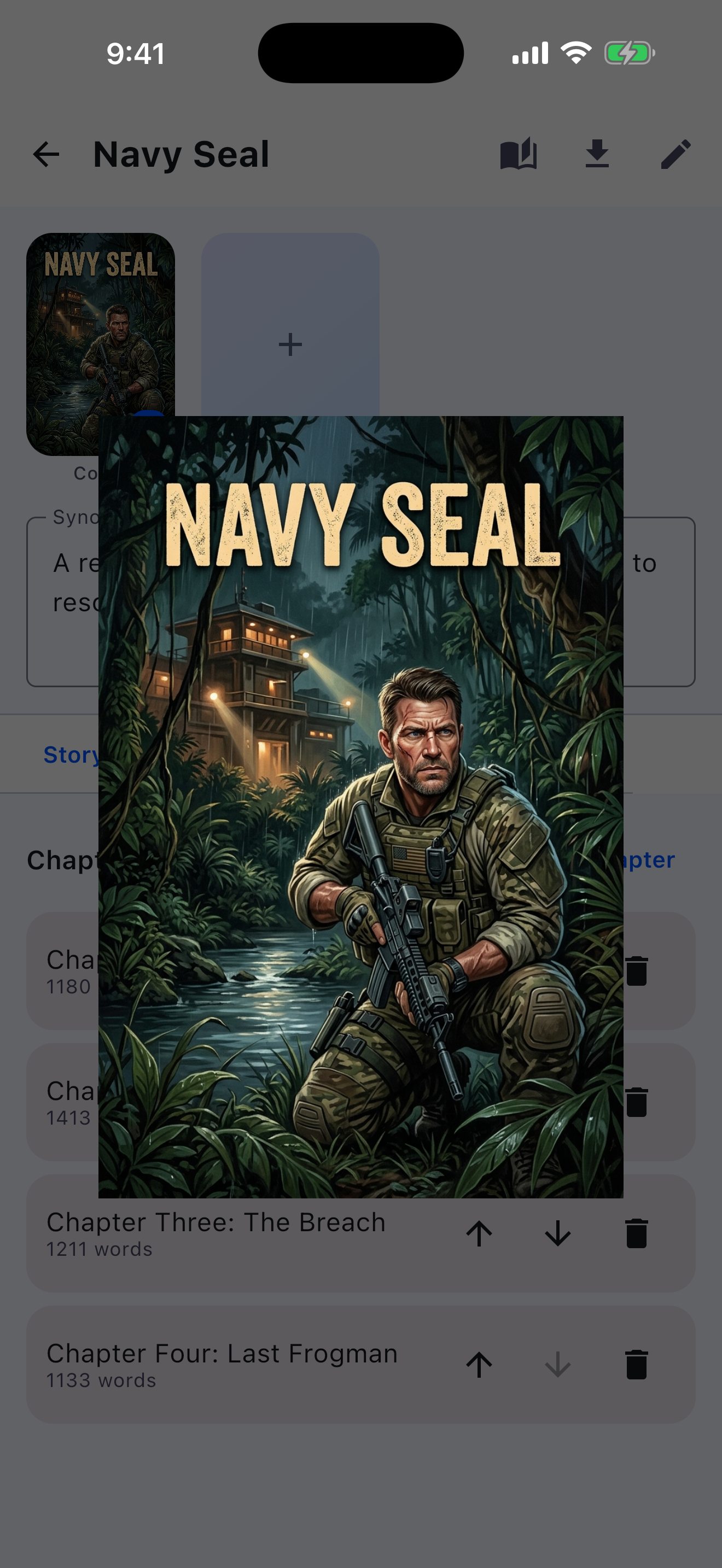
Describe an image and generate it without leaving the page. A Quick Sketch style gives you a loose, rough thought-doodle for drafting; Full Drawing renders a finished illustration for a cover. Images insert exactly at your cursor, splitting the paragraph around them — never dumped at the end of the chapter.

📷

Your Own Photos, Too

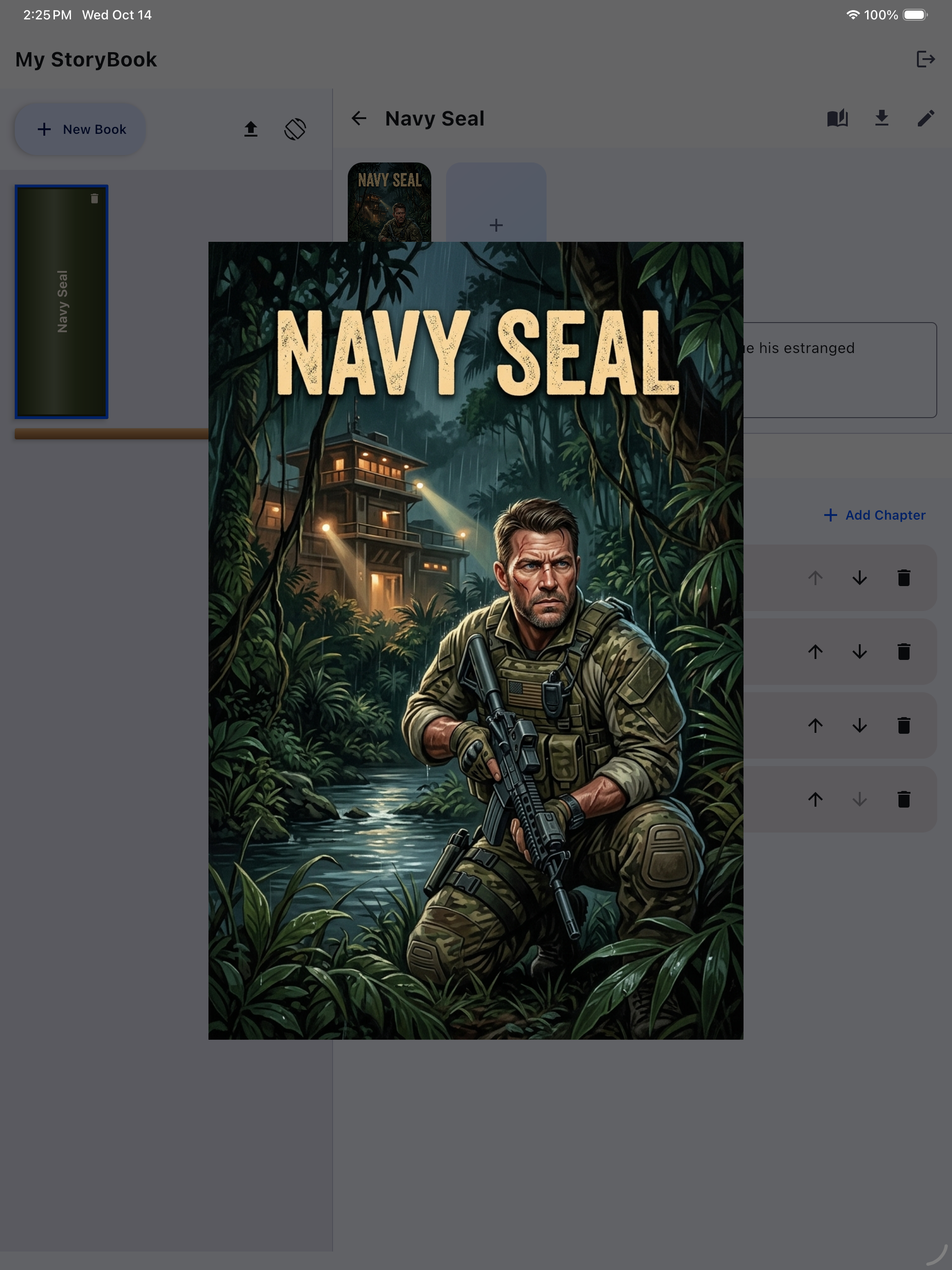
Pick from your gallery or take a photo just as easily as generating one. Tap any image to view it full-screen, drag a handle to resize it, or nudge it up or down to a different spot in the chapter.

📄

Page-Break Preview

Toggle a guide that shows exactly where pages will break at your book's real trim size — 5×7, 5.5×8.5, or 6×9 — while you're still writing. Plan where an illustration lands relative to the page, not after the fact.

📖

A Reader With a Real Page-Turn

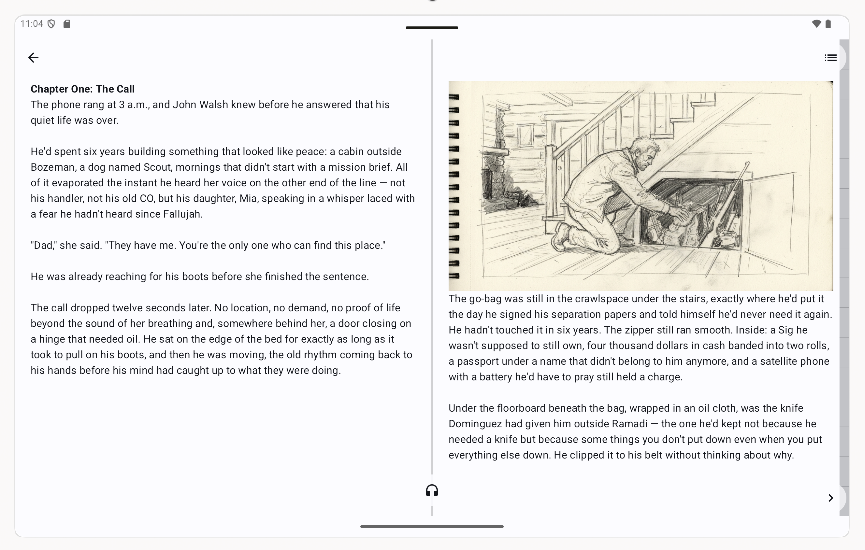
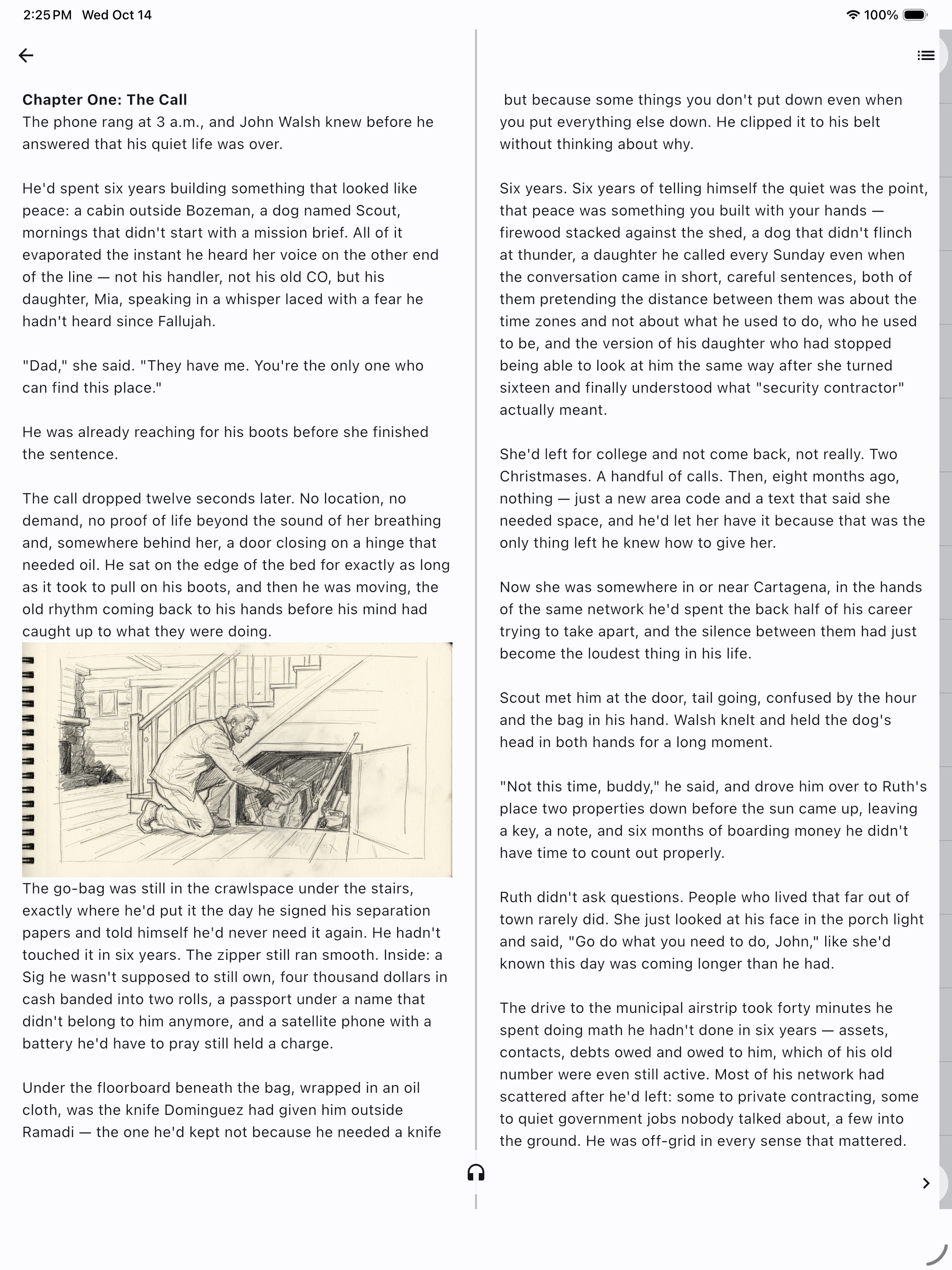
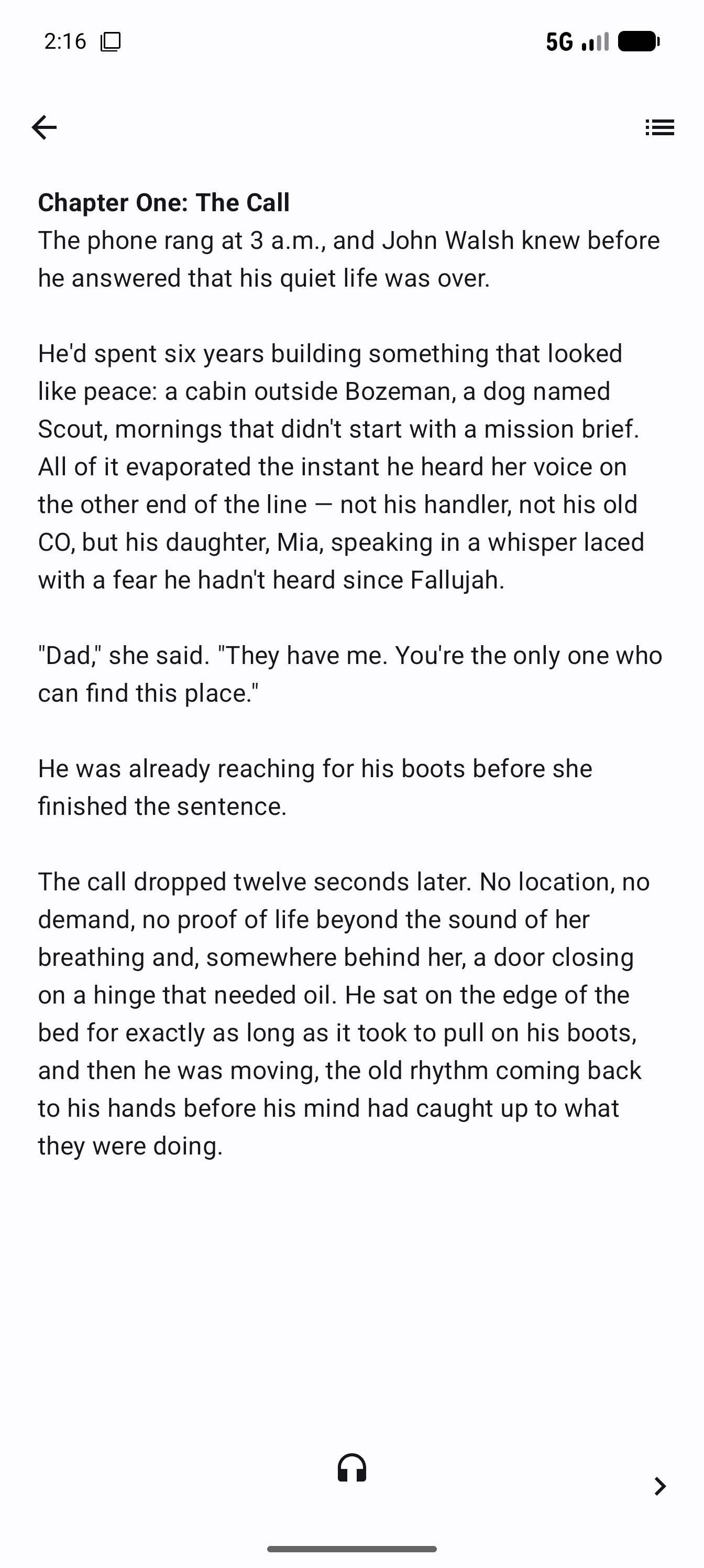
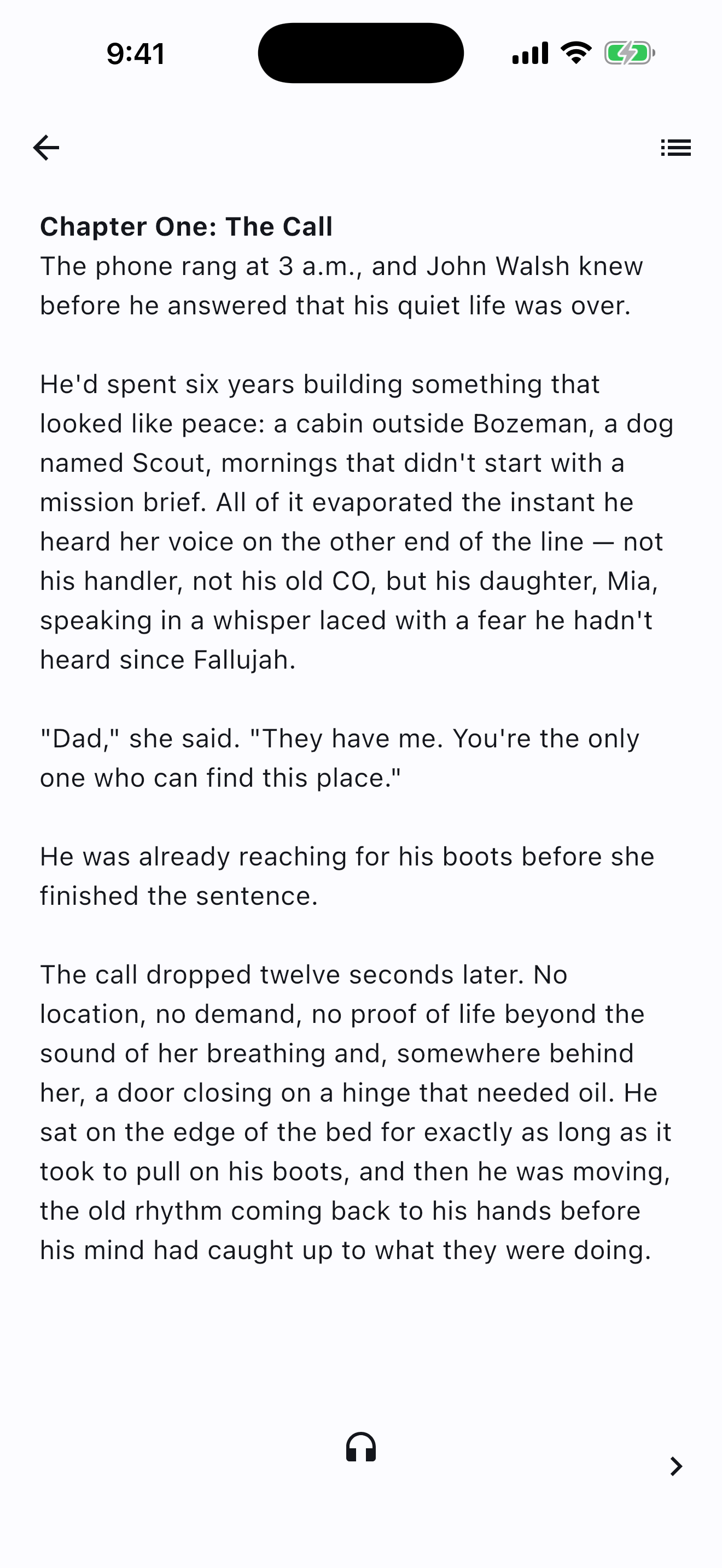
Reading isn't a scroll. Swipe a corner and the page actually turns, with a genuine flip animation in both directions — single page on a phone, side-by-side spread on a tablet, Chromebook, Mac, or folded-open foldable.

☁️

Cloud Backup

Every chapter autosaves to the cloud as you write. Lose the device, not the book — sign back in anywhere and pick up exactly where you left off.

📥

Import PDF or EPUB

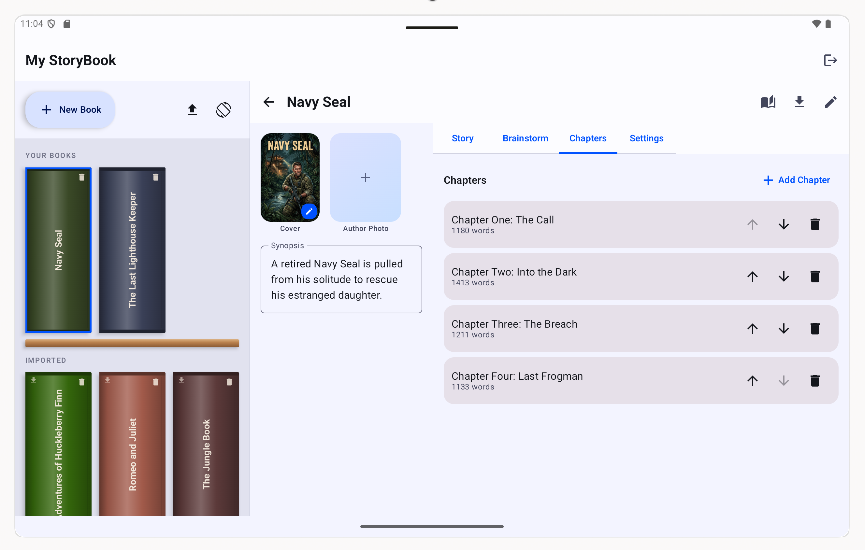
Already have a manuscript or an e-book? Bring it in as-is. PDF and EPUB both import straight into the editor, one chapter per spine item, ready to keep writing or just read.

📤

Export to PDF or EPUB

Take your finished book with you. Export a print-ready PDF at your book's real trim size, or a standards-compliant EPUB for any e-reader.

🔖

Resume Right Where You Left Off

Close the app mid-chapter and the next time you open that book, it's already turned to your exact page — even if you switch devices or the page count changes.

💡

Writer's Block Unblocker

Stuck mid-scene? Tap the lightbulb in the toolbar for a few directions to consider, grounded in what you've actually written so far. It never writes for you and never touches your manuscript — just a nudge when you want one.

🔍

Research Assistant

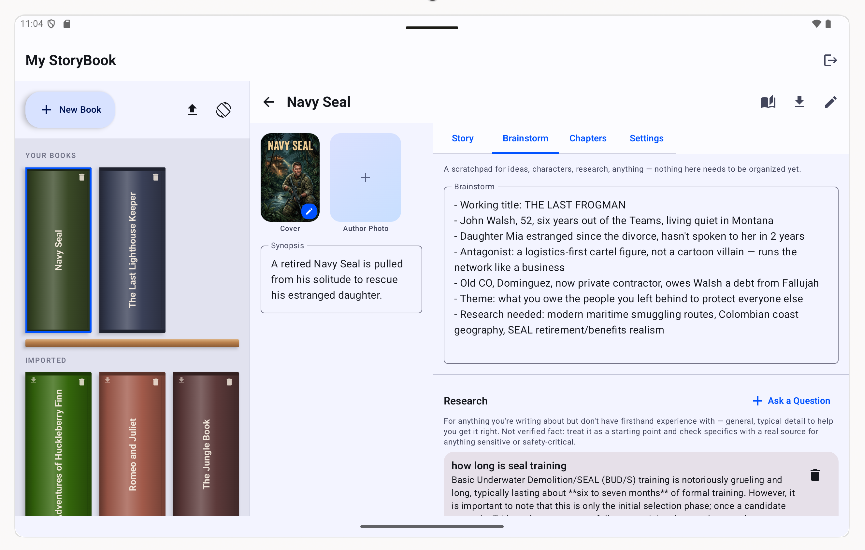
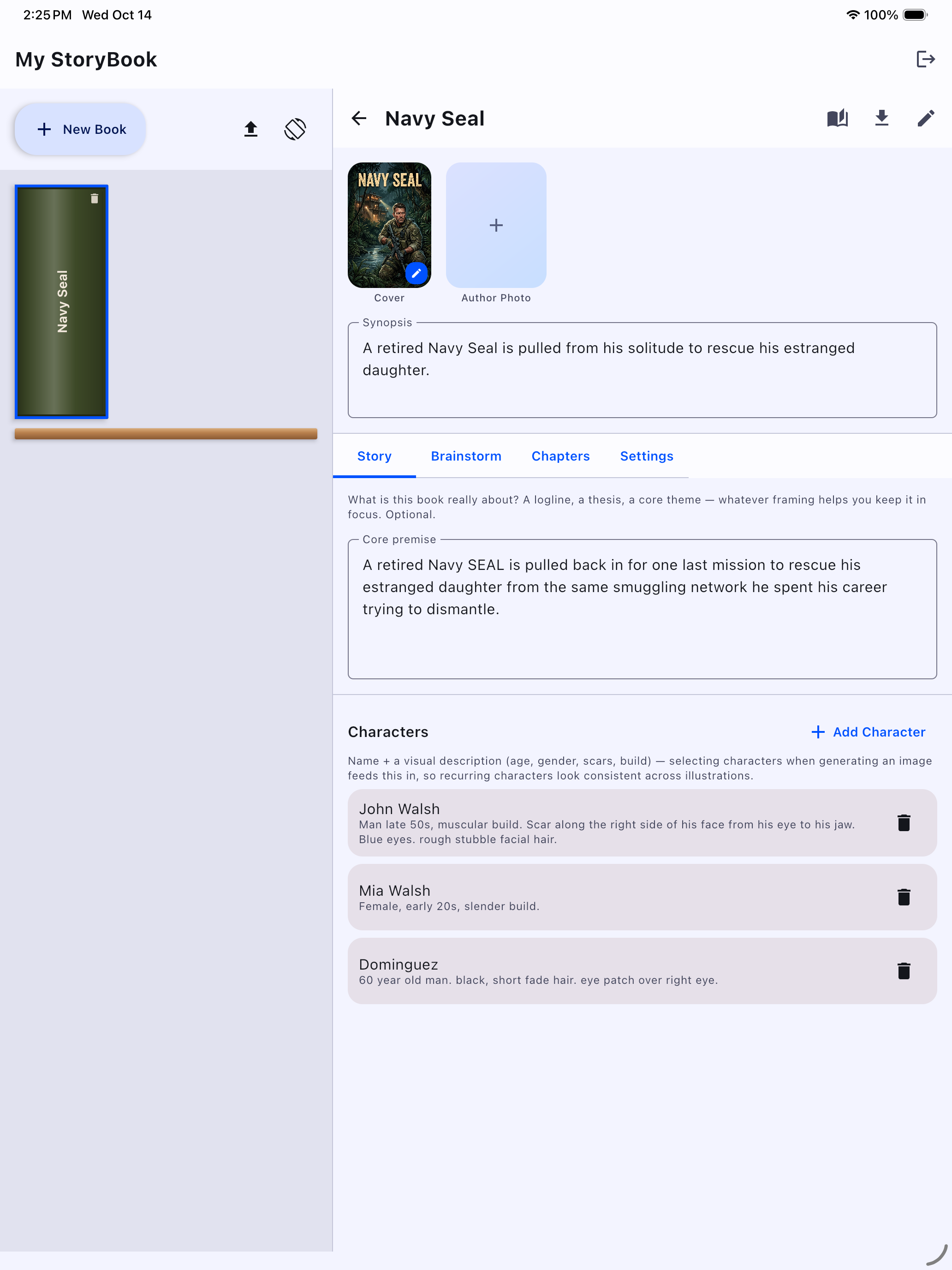
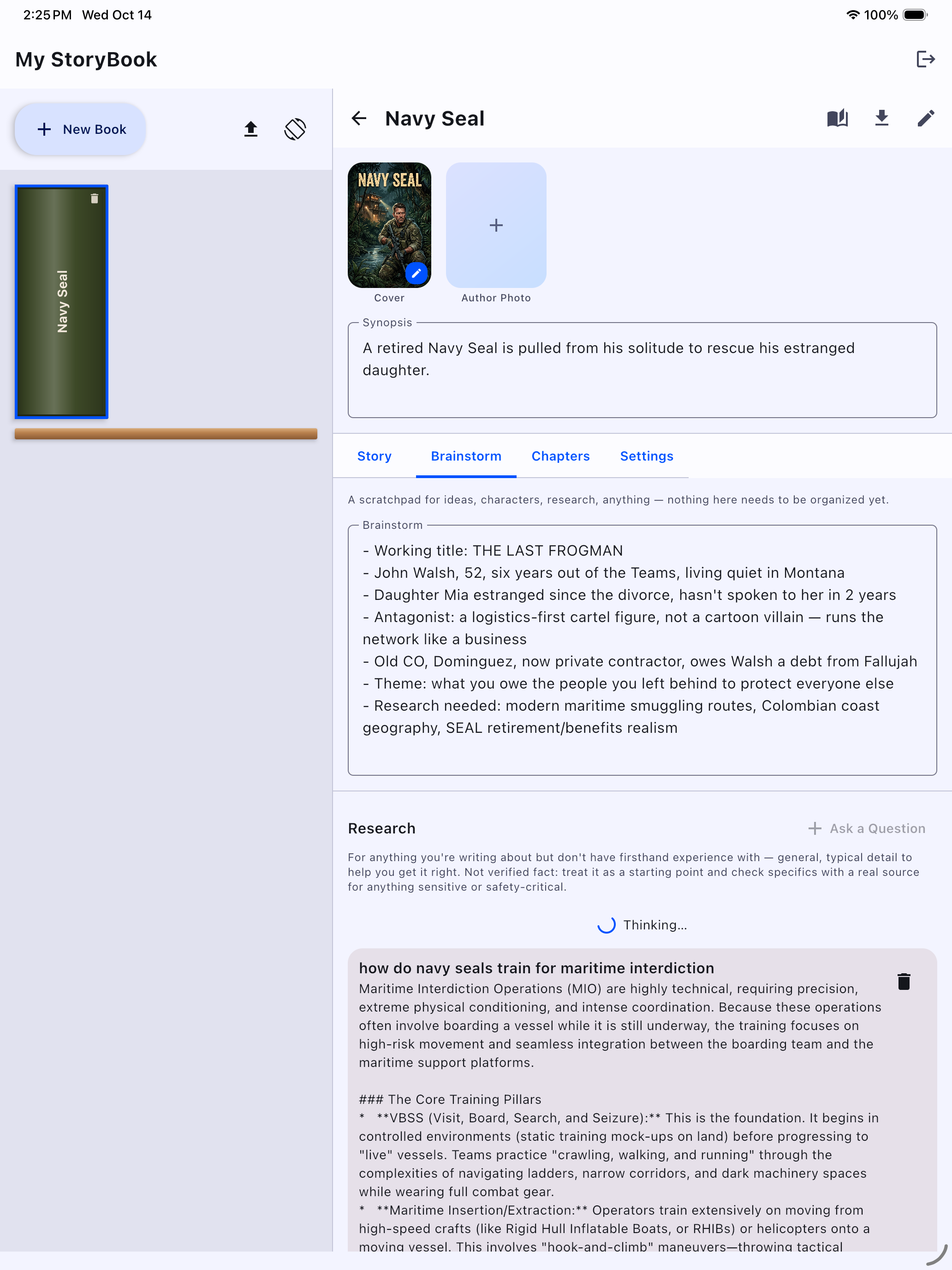
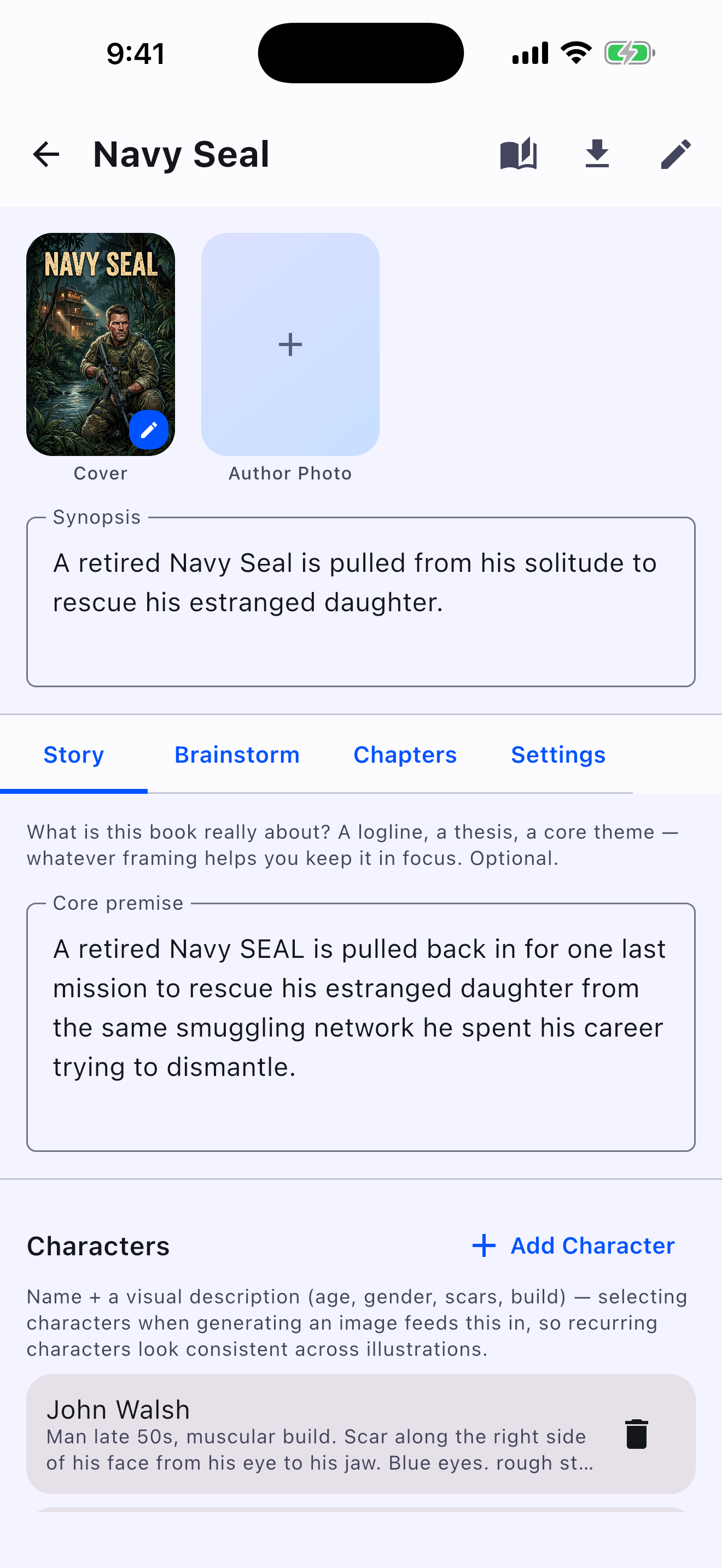
Writing about something you haven't lived through yourself? Ask a question right from the Brainstorm tab and get a real answer, saved alongside your other notes for that book.

🎤

Dictate Your Chapters

Tap the mic in the editor toolbar and talk — your words appear at the cursor as you speak, live. No cost, no cloud transcription; it's your device's own speech recognition.

🎧

Listen to Your Book

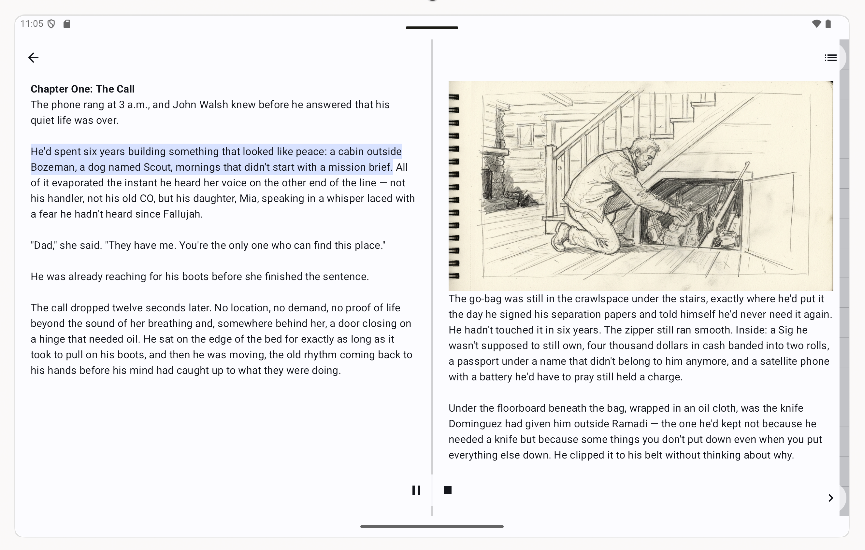
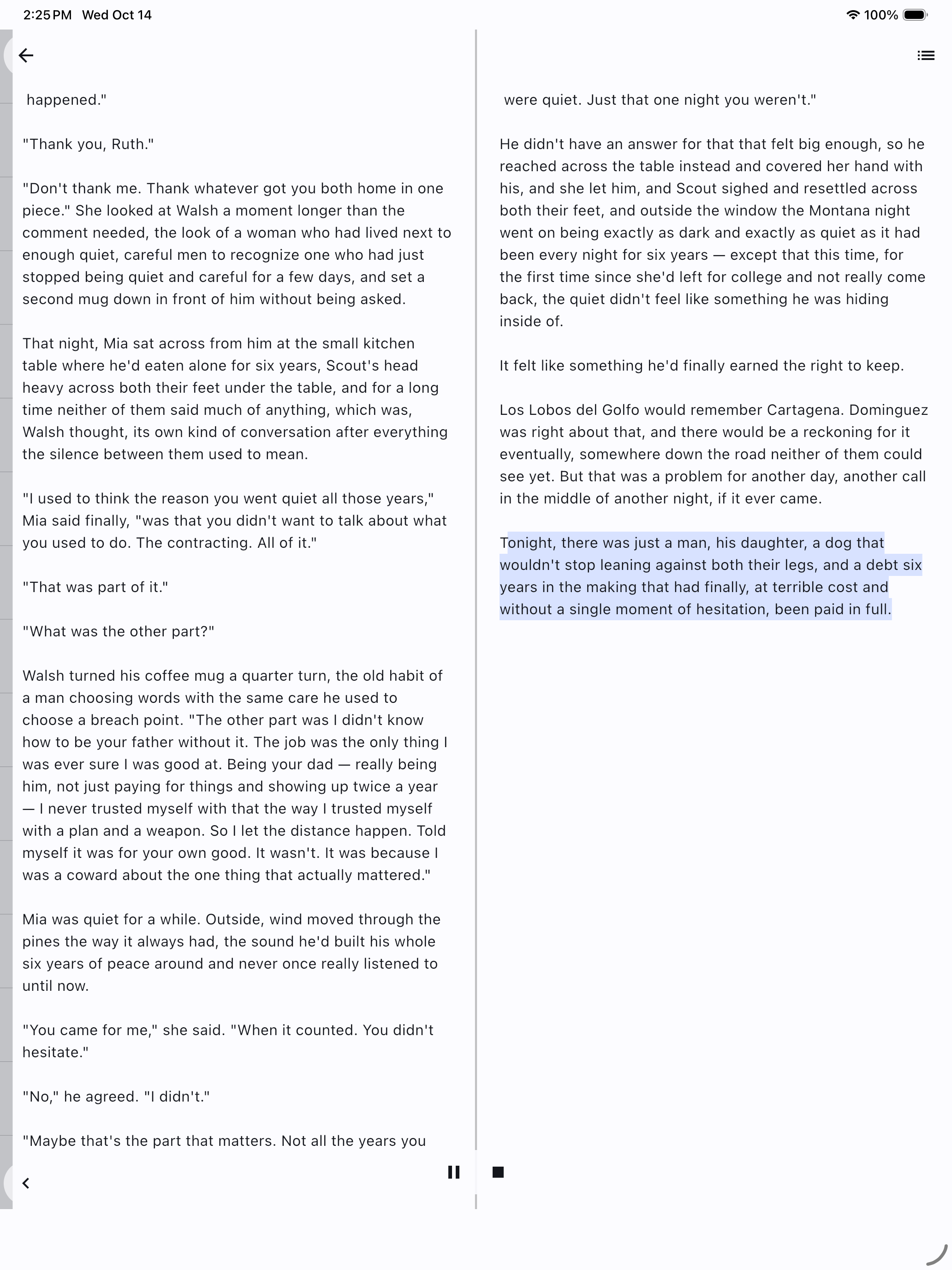
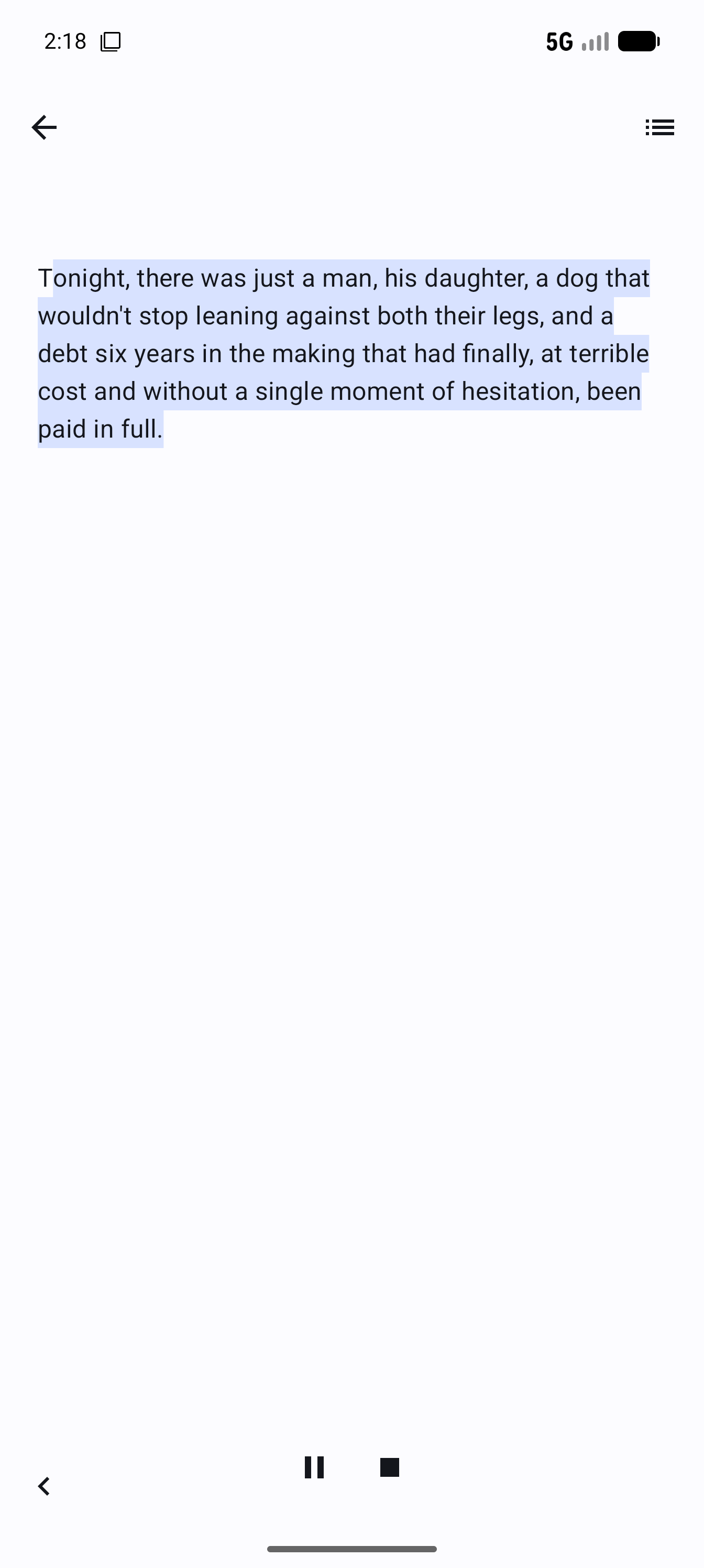
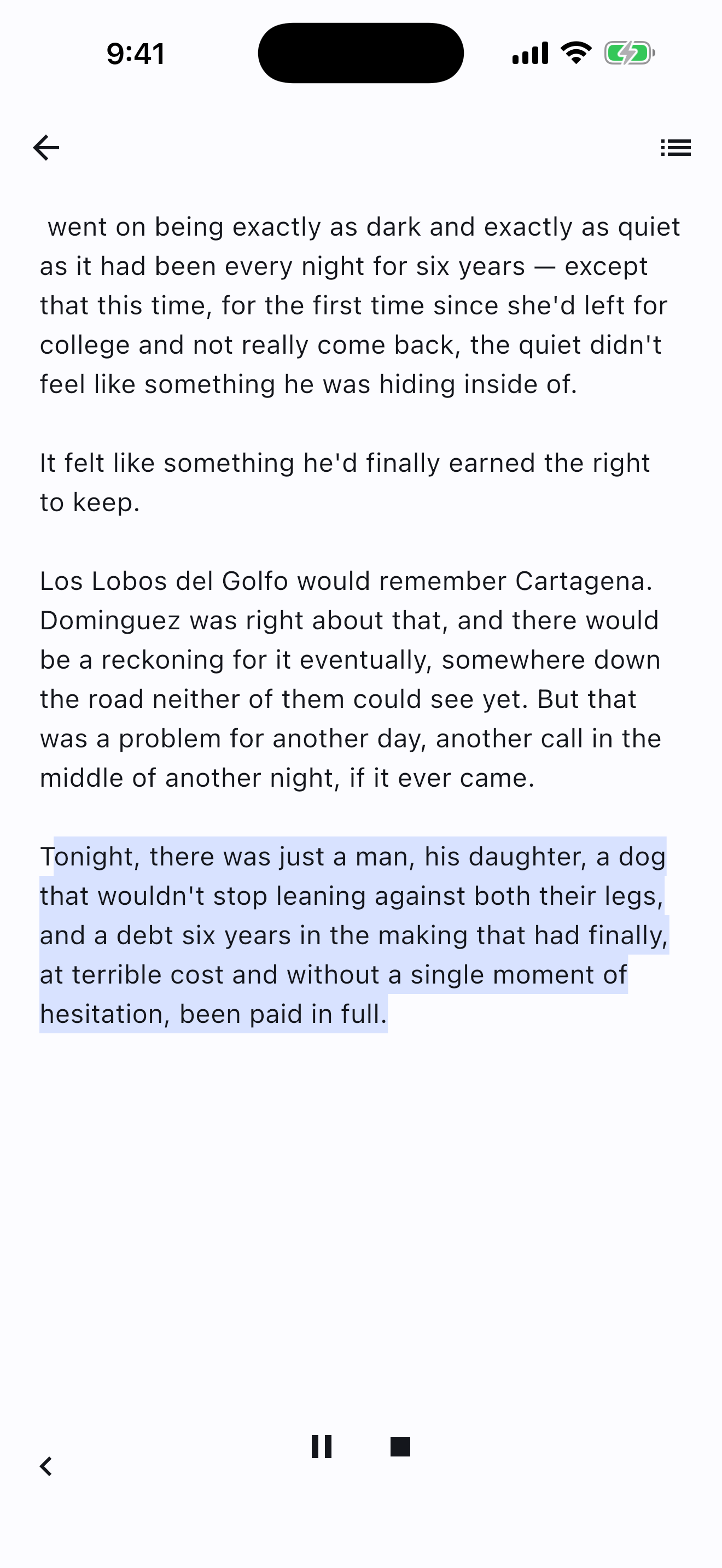
Tap the headphones icon in the reader and sit back. The current sentence highlights as it's read aloud, and the page turns itself when you reach the bottom — or tap the on-screen arrows to flip pages yourself at any time.

Screens

Real pages, from a real device.

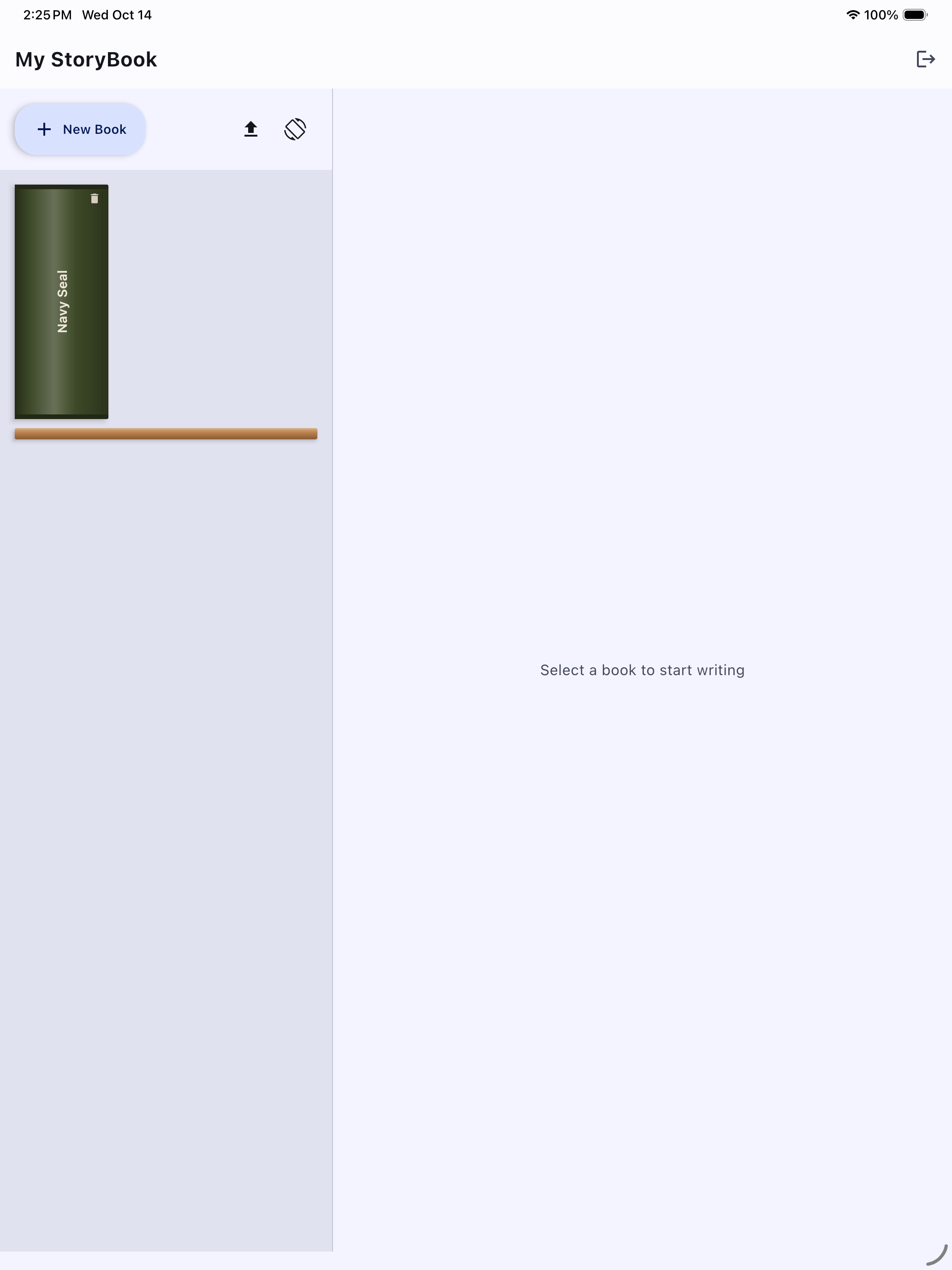
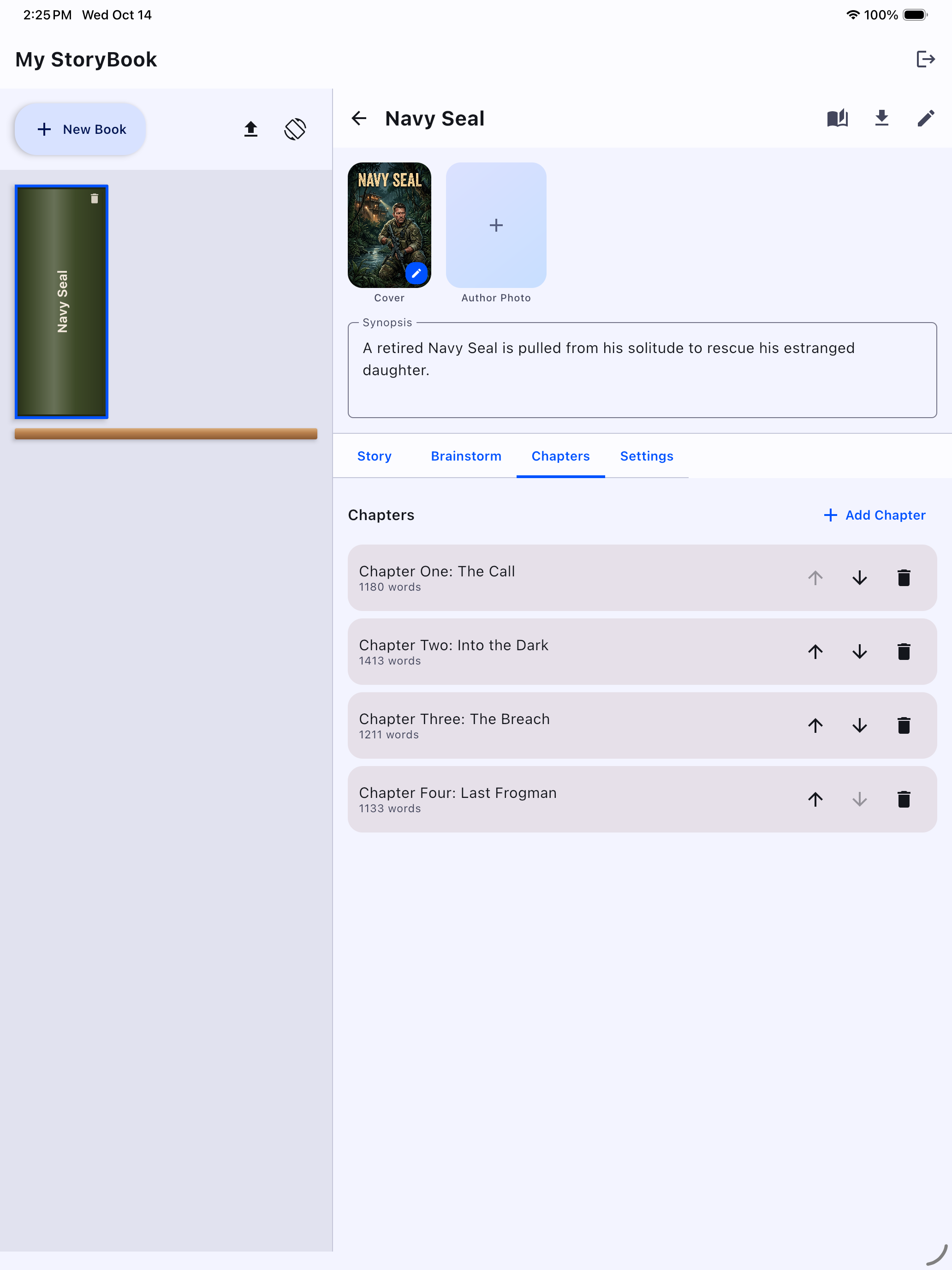
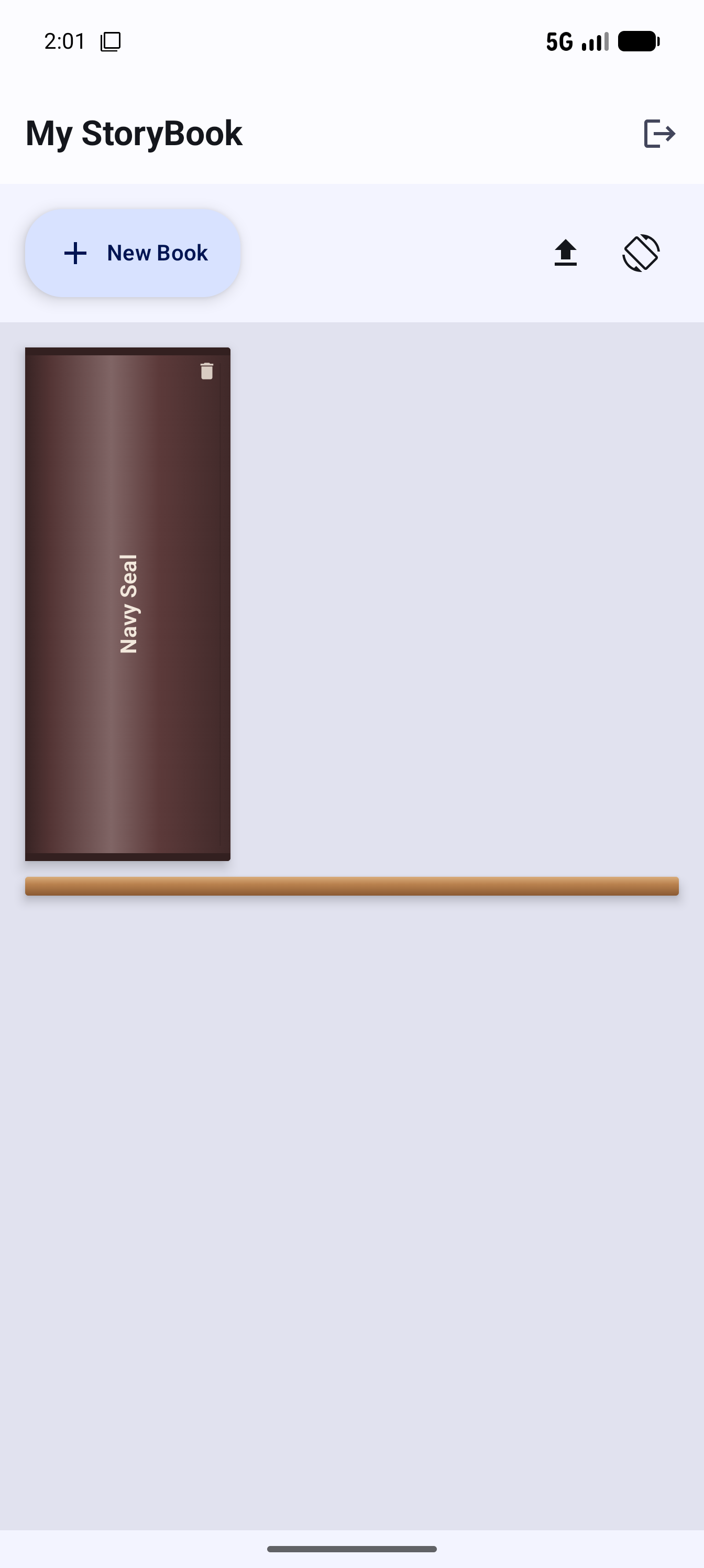
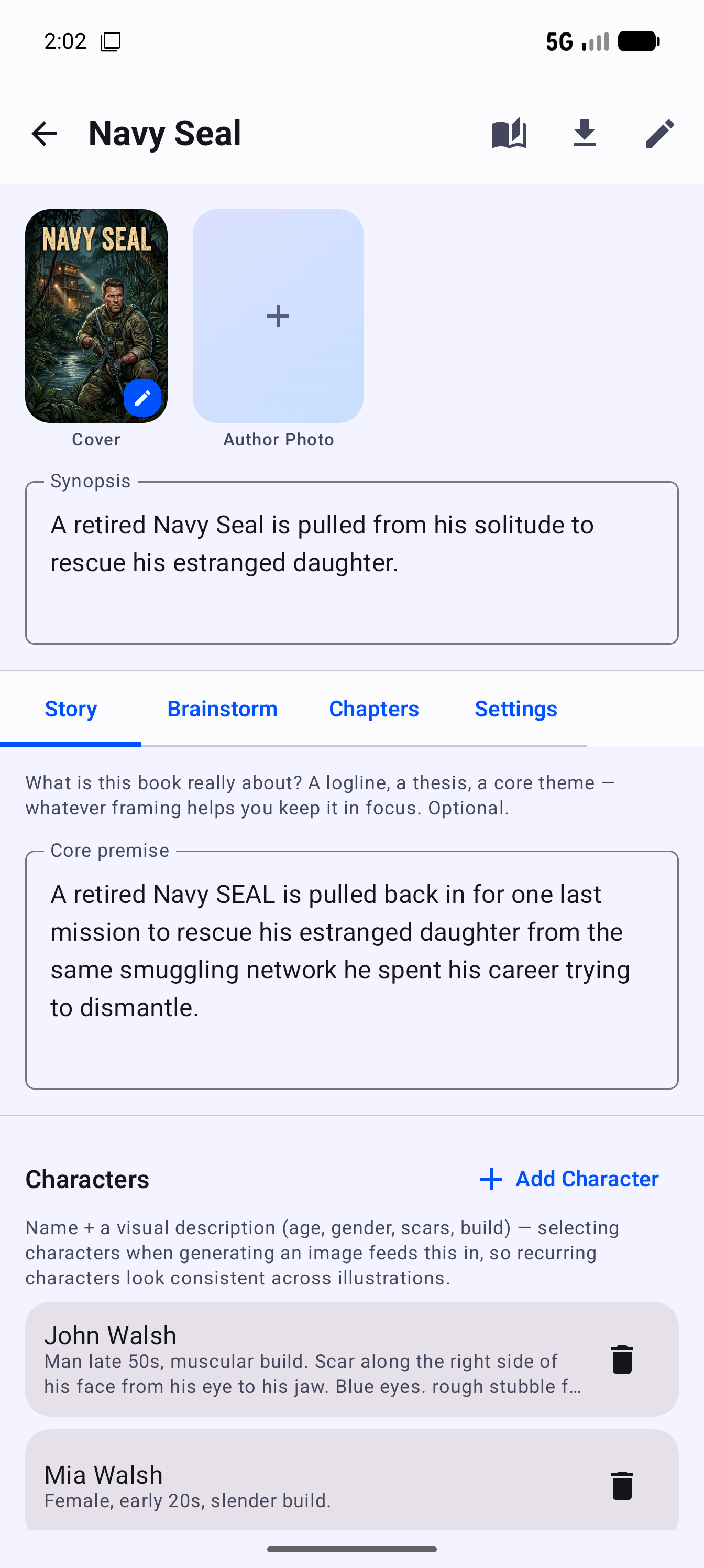
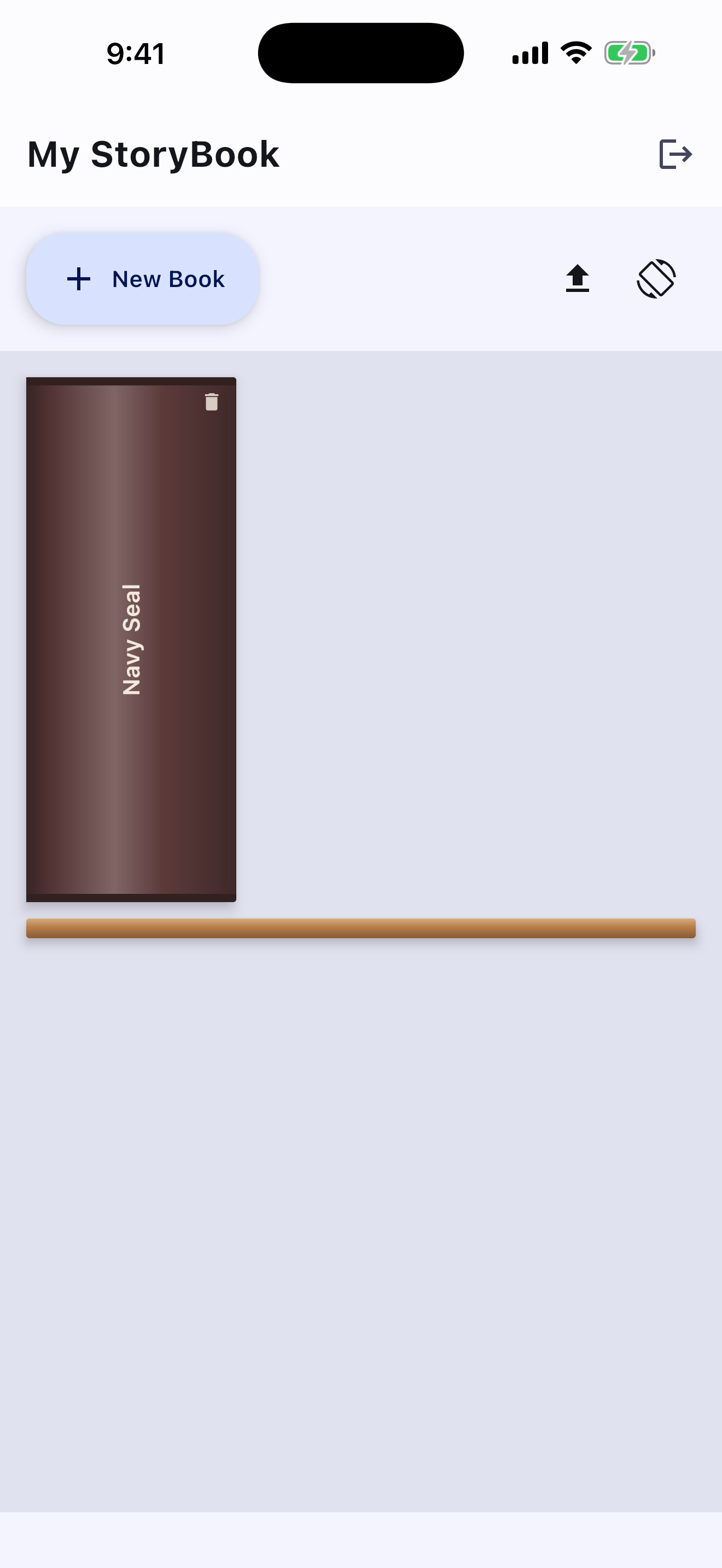
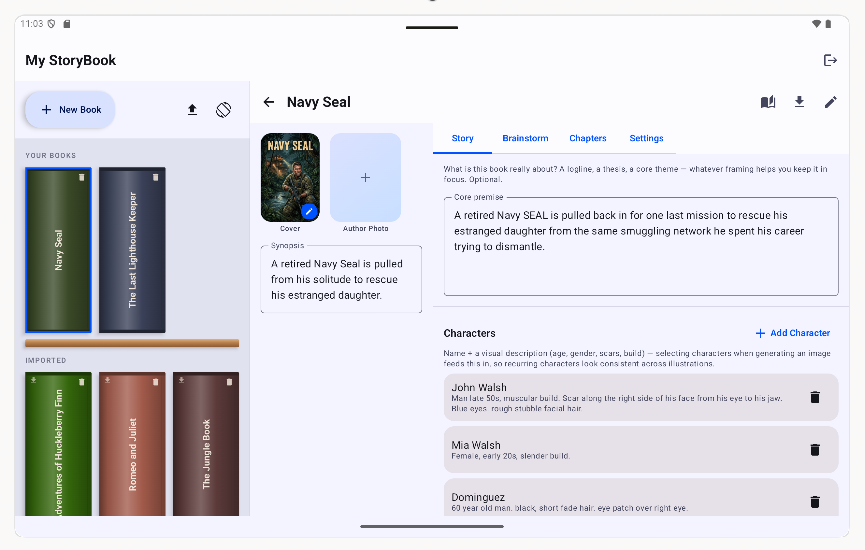
Not mockups — the actual reader, writer, and bookshelf. One app for Android (phone, tablet, Chromebook, foldable) and Apple (iPhone, iPad, Mac, foldable) — optimized for every screen size.

Tablet

iPad

Phone — Android

Phone — iPhone

Pricing

Pay once for the app. Pay only for what you generate.

No subscription. My StoryBook, writing, manual images, and the page-turn reader are yours forever for one purchase. AI-generated illustrations run on credits, because that's the one part of the app with a real per-image cost behind it — and you only buy more when you actually want more art.

AI Image Credits

Buy more only when you need more.

Starter Credits

$2.49

10 credits

  • 10 quick sketches
  • or 3 full drawings
  • Credits never expire

Standard Credits

$5.99

30 credits

  • 30 quick sketches
  • or 10 full drawings
  • Credits never expire

A quick sketch costs 1 credit; a full cover-quality drawing costs 3.

Still early. Worth the wait.

My StoryBook is in active development for iOS and Android. No release date yet — we'd rather ship it right than ship it fast.